Proof-sheet software for card manufacturers
Turn the front-and-back proof sheet into one card your customer can flip, tilt and approve, with chip, magstripe, stock thickness and foil exactly where they will be on the finished card.
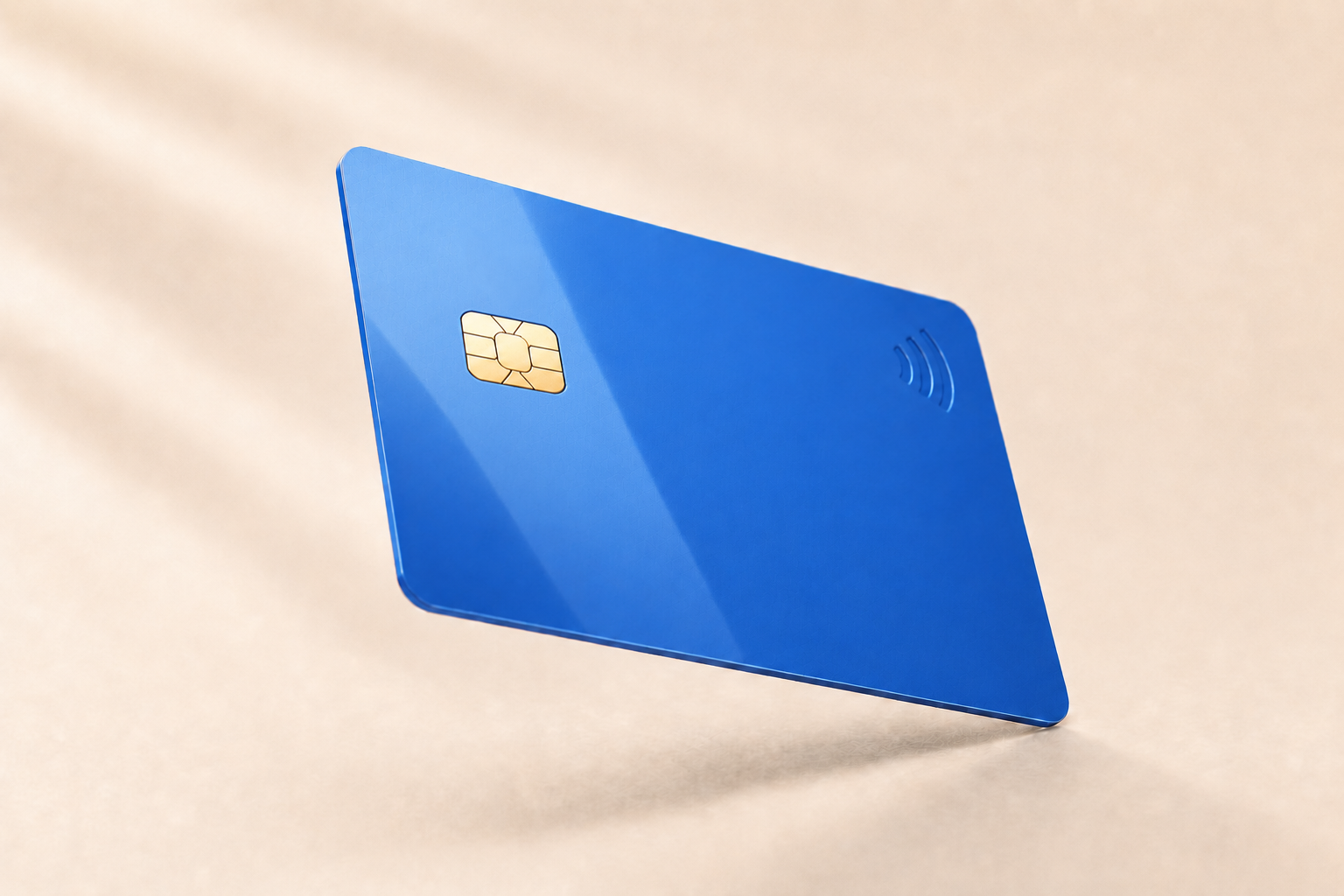
A card is an object, not two rectangles
Card programs are approved on stock, thickness, component placement and finish; none of those qualities survive the trip onto a flat proof sheet.
Both sides, one object
A card proof sheet splits front and back into two flat panels. ProofScene shows one card your customer can flip, so magstripe position, signature panel, terms block and card number placement are judged on the card, not across a page.
Chip, antenna and inlay placement
Contact chip windows, RFID and NFC inlays, and antenna keep-out zones are decisions customers rarely picture from a layout file. Showing the module in position on the finished card removes the guesswork before lamination.
Real card stock, real thickness
CR80 at 0.76mm, thinner keycard stock, frosted and matte PVC, PETG, recycled and wood-look cores: thickness, edge and surface all read differently in the hand. A 3D proof gets closer to that than a flat PDF ever will.
Spot UV, foil and metallic that show up
Gold and silver hot foil, spot UV over matte, embossed and tipped numbering, holographic overlay and metallic ink are the whole reason a premium card program exists. They need to look premium at approval, not just be named in a spec line.
This is the workflow ProofScene was built for
Card manufacturing has a particular approval problem. The proof sheet is a technical document (front artwork, back artwork, bleed, safe zone, magstripe track, chip window, encoding notes) and it is completely legible to prepress and largely abstract to the customer who has to sign it. They are being asked to imagine a 0.76mm plastic object with a metallic module in one corner, a foil logo that catches light, and a matte surface that feels different from the gloss they had last time.
So the approval comes back with a signature and the questions arrive after the sample: the chip is closer to the logo than expected, the embossed number crowds the strapline, the frosted stock makes the brand blue read cooler, the foil looks thinner than the last run. Each of those is a plate change, a lamination cycle or a full remake, on a product where the setup, not the material, is the expensive part.
ProofScene closes that gap by rendering the card as a card. The customer opens a branded link, flips it, tilts it into the light to see how the foil and spot UV behave, and reads the back the way a cardholder will. Component keep-outs and personalization zones are visible in place, so a layout that would fight the encoder gets caught at proof stage instead of on the line. When they approve, they are approving the card.
Related pages: proof sheet software, finish & material visualization, customer artwork sign-off, and the guide on how to document customer sign-off.
Card and credential proofing, answered
Short, straight answers to the questions we are asked most. If yours is not here, ask.
Ask us anythingWhat is proof-sheet software for card manufacturers?
It is software that turns the front-and-back proof sheet a card plant already produces into an interactive 3D card the customer can flip, tilt and inspect. Placement, personalization zones, card stock, chip position and finishes are all reviewed on one object, then signed off through a branded link.
Which card types does ProofScene handle?
The product is built around plastic card work in the broadest sense: gift and loyalty cards, membership and ID cards, hotel keycards, RFID and NFC smart cards, contact chip cards, and printed credentials such as badges and passes.
Can it show chip, magstripe and antenna placement?
Yes. Contact chip windows, magnetic stripe position, signature panels and RFID or NFC inlay and antenna zones can be shown in place on the card so a customer approves a manufacturable layout rather than an artwork file that fights the components.
Does it show card thickness and stock?
Yes. Standard CR80 stock at 0.76mm, thinner keycard variants and alternative cores can be represented, along with surface character such as gloss, matte, frosted or textured PVC: the properties a customer notices the moment the first sample arrives.
How does this help with variable data and personalization?
A 3D proof is a good place to agree what the personalization will look like before the data file exists: where the embossed or laser-engraved number sits, how long a name can run before it collides with a logo, and which zones must stay clear for encoding and print.
Is a 3D card proof a color-accurate proof?
No. It represents artwork placement, materials, component position and finishing for visual approval. It is not a calibrated contract-color proof unless your workflow includes formal color management, so a color-critical brand card still needs your usual color step.
Why does ProofScene understand card work so well?
ProofScene was built by people who run a printing and card-manufacturing operation, out of the proof-approval workflow they use on real production orders. The card use case is not an adaptation of a generic mockup tool; it is where the product started.
Show your next card program in 3D
ProofScene is opening early access to print shops and product suppliers. Join the list and be first to turn your proof sheets into interactive 3D approvals.
No credit card · Built by print people · Launching soon