Proof sheet templates that turn into 3D
The free Proof Kit has nine demo proof sheets, two blank templates and the Proof Guide. Change the artwork in Illustrator, upload the PDF, and see your product in 3D.
ZIP file, no account needed to download.
- Format
- Proof format 1
- Updated
- Edit in
- Adobe Illustrator
Nine demo proof sheets to start from
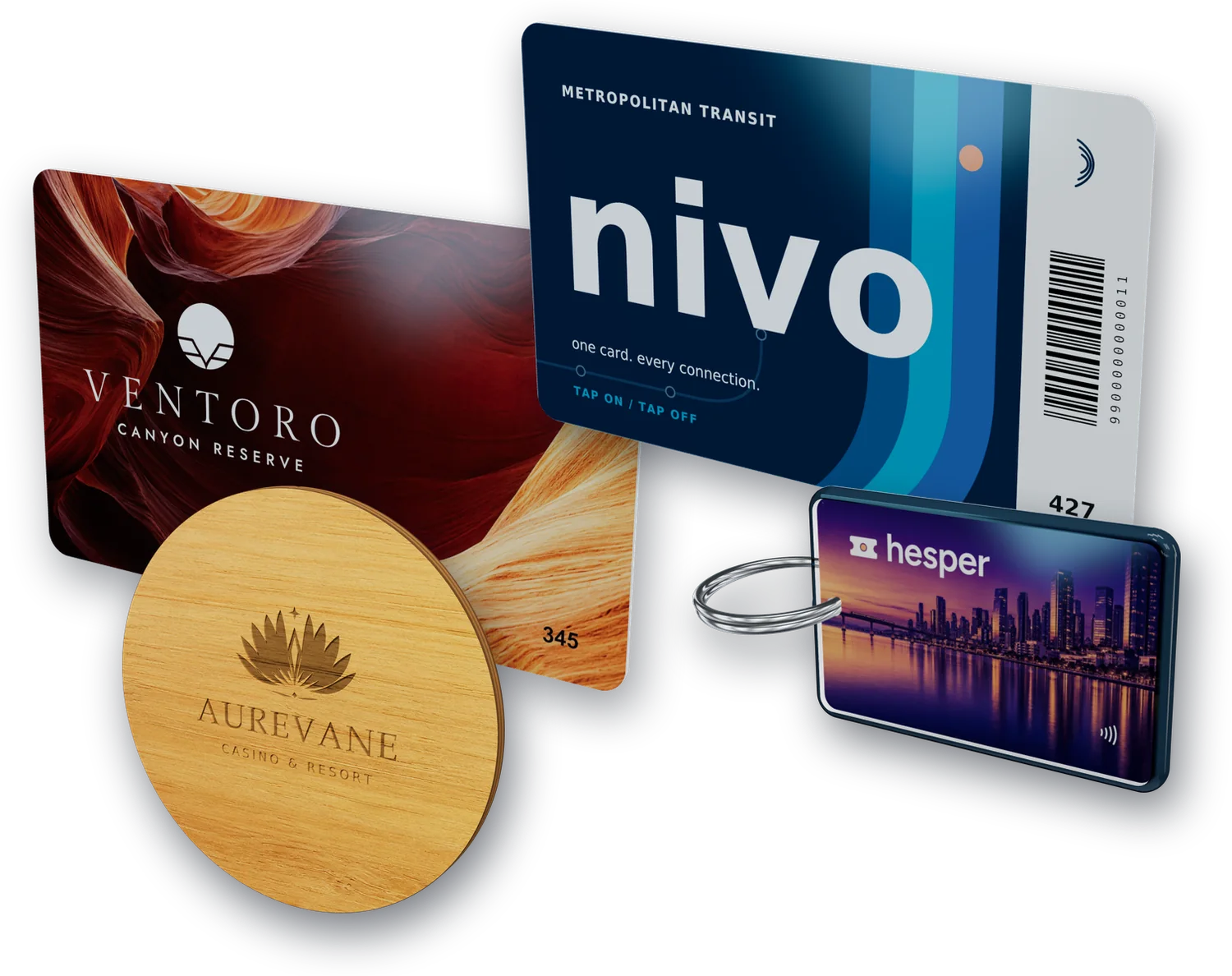
Each sheet is the proof of a finished product, and every product here was built in 3D from its own PDF. Pick the one closest to your job, open it in Illustrator and put your artwork in.
Switch any product between 3D and the flat sheet it was built from.
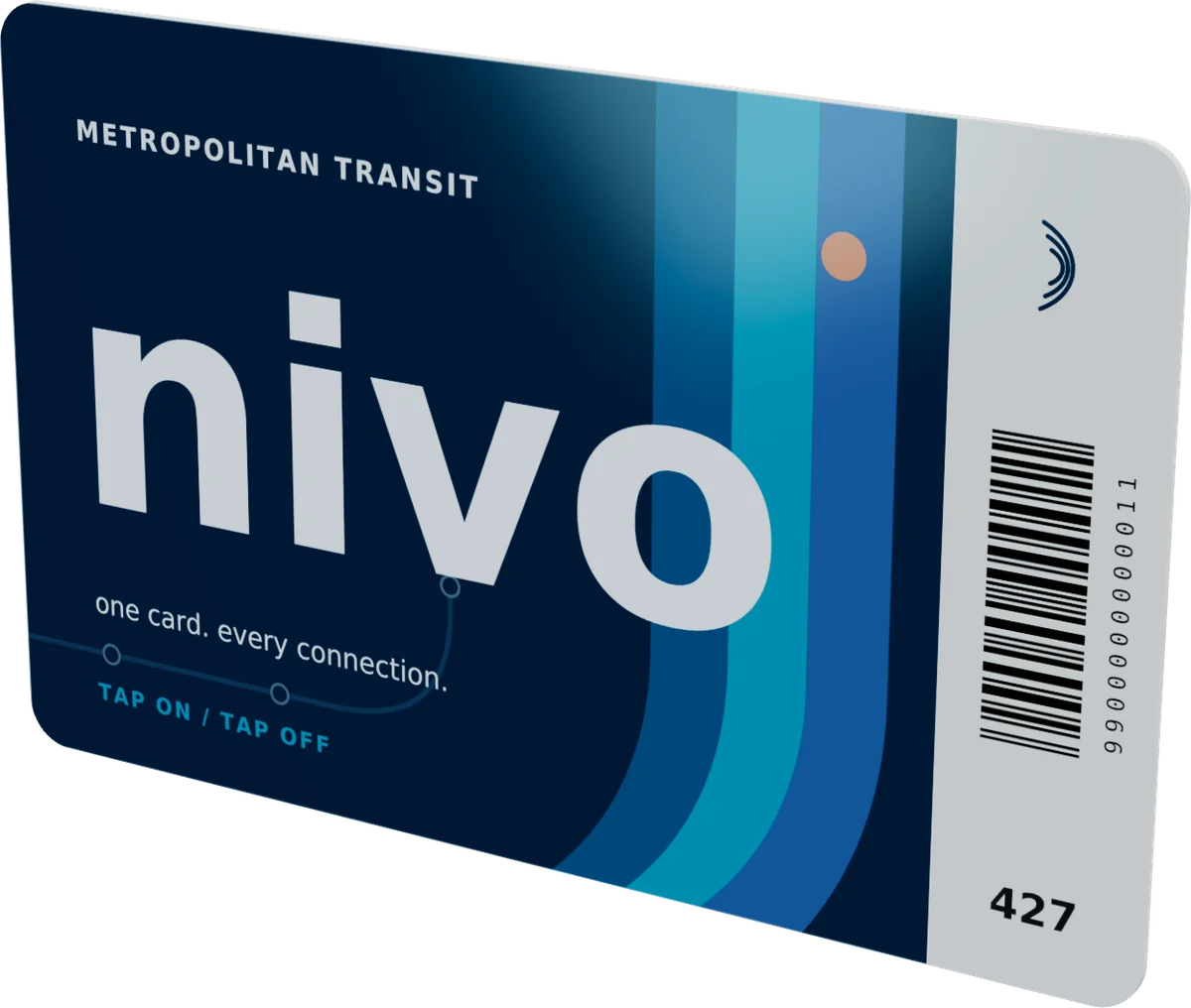
 PS-2610-NIVO-01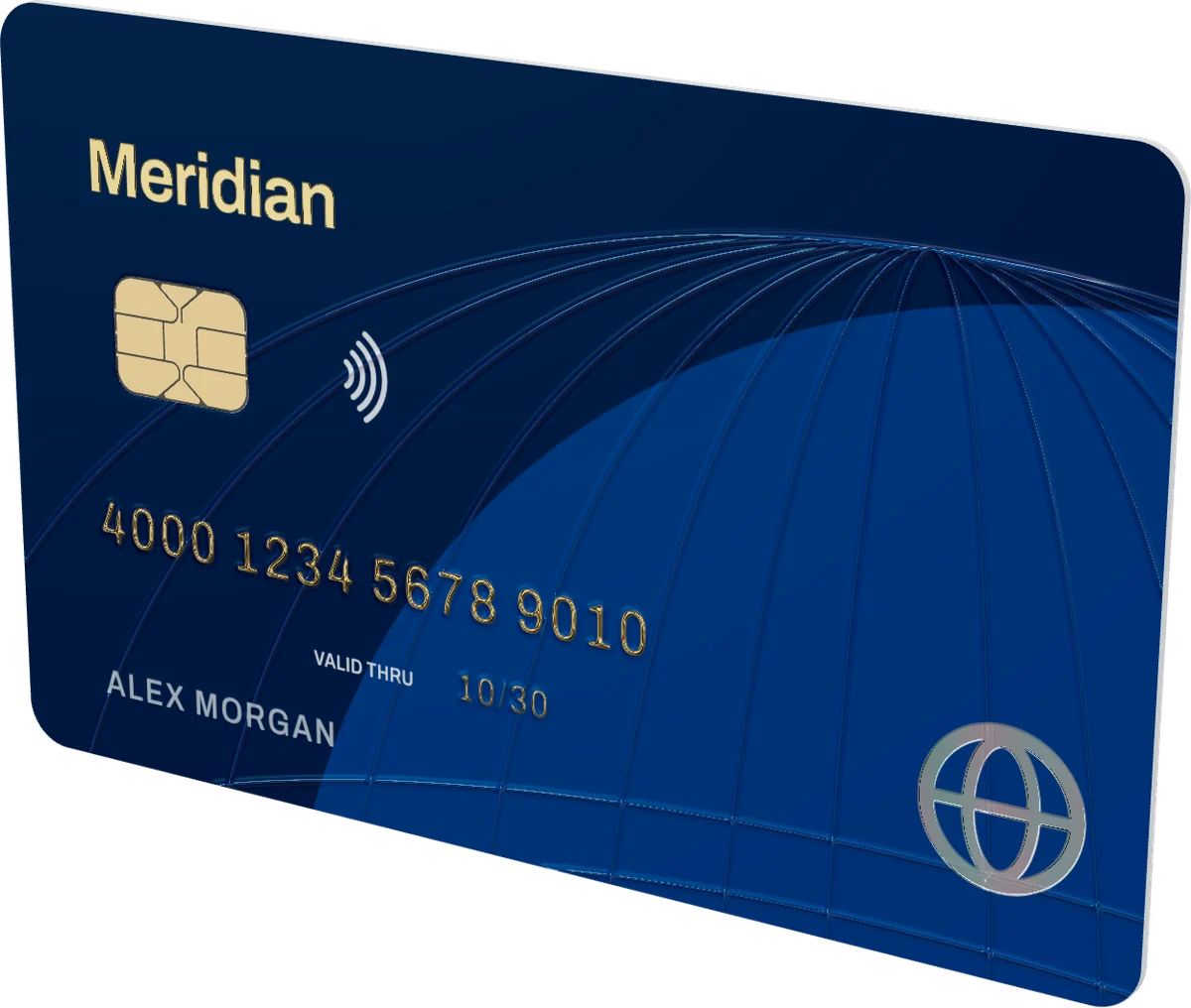
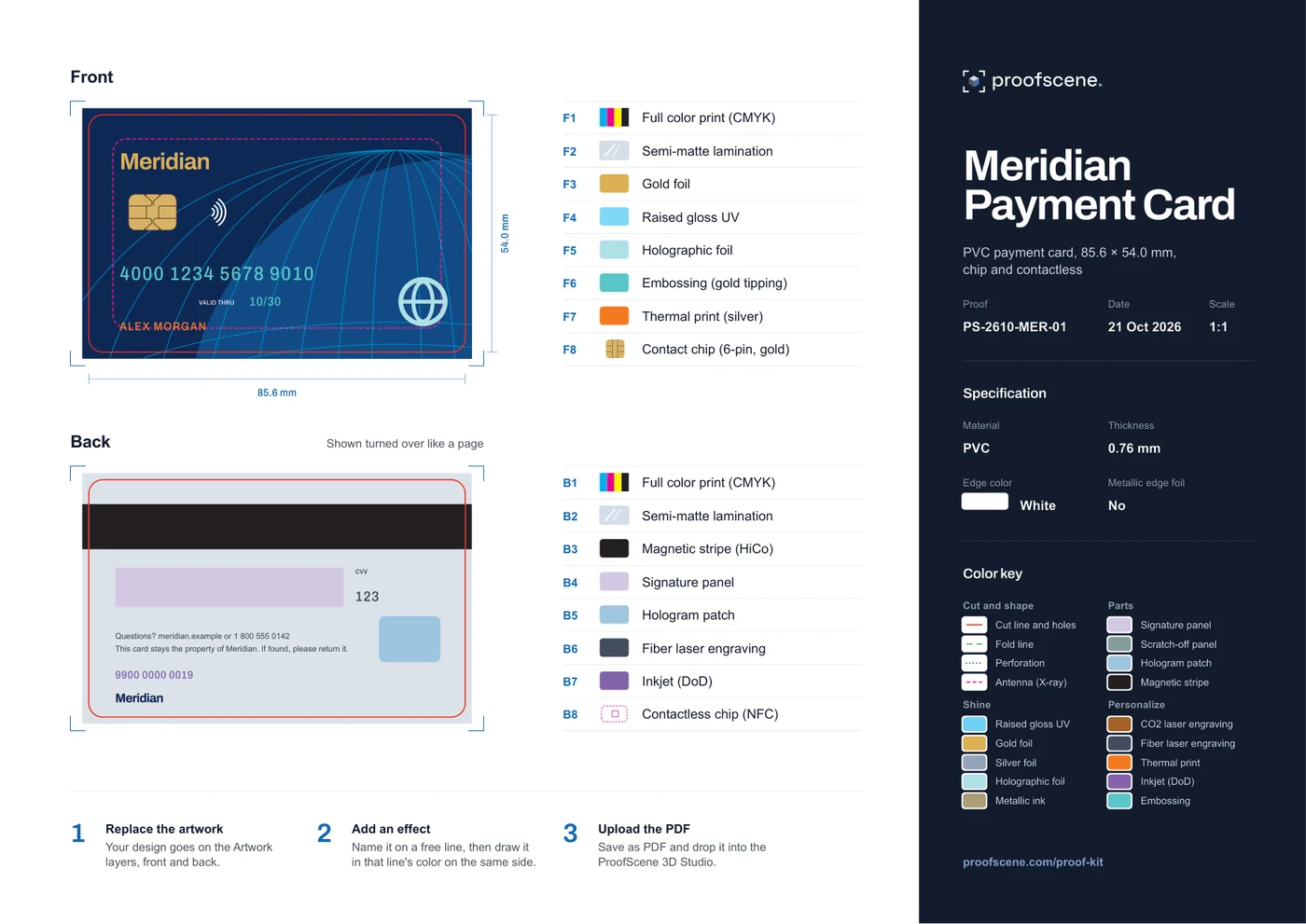 PS-2610-MER-01
Meridian Payment Card
PVC payment card, 85.6 × 54.0 mm, chip and contactless
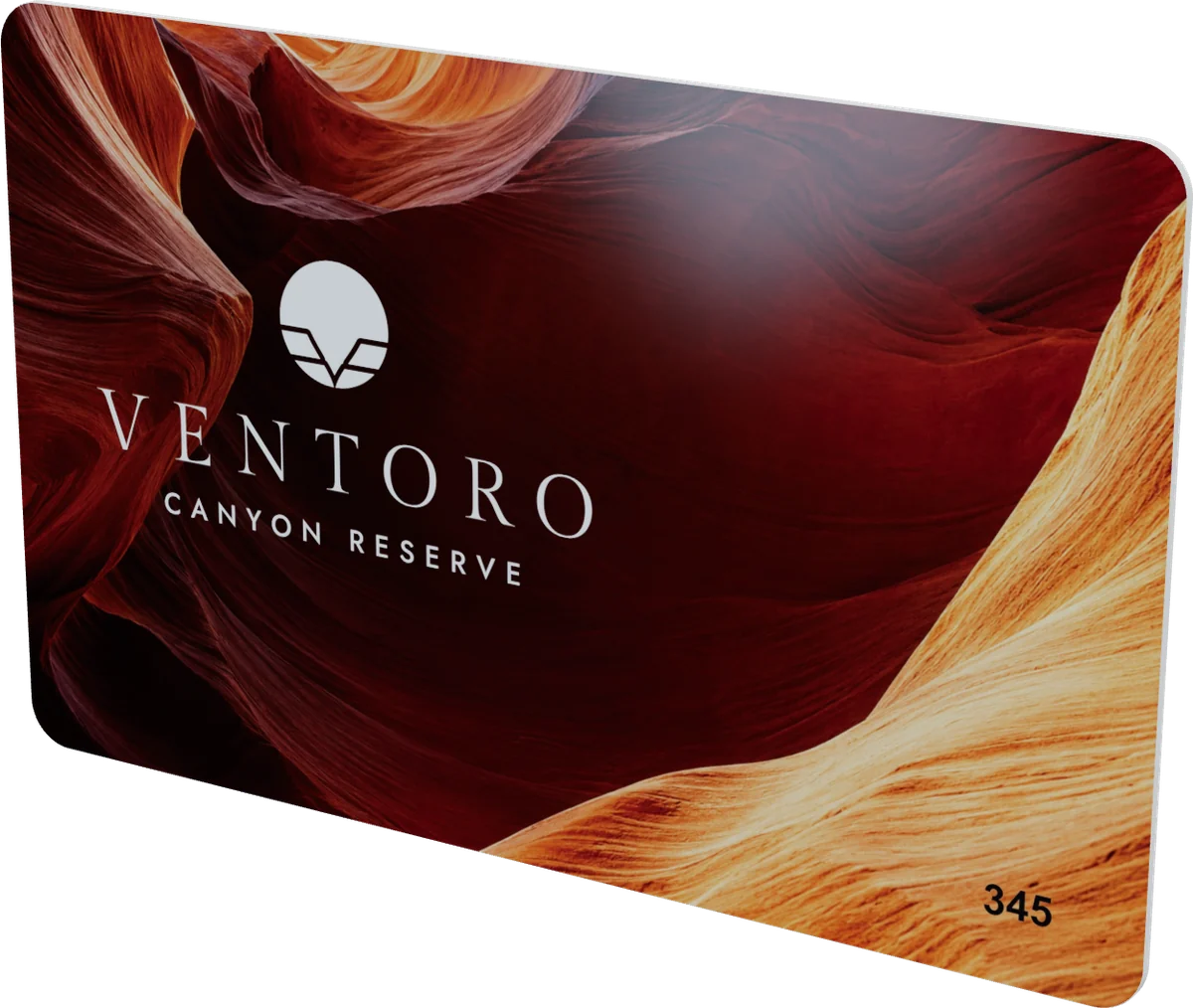
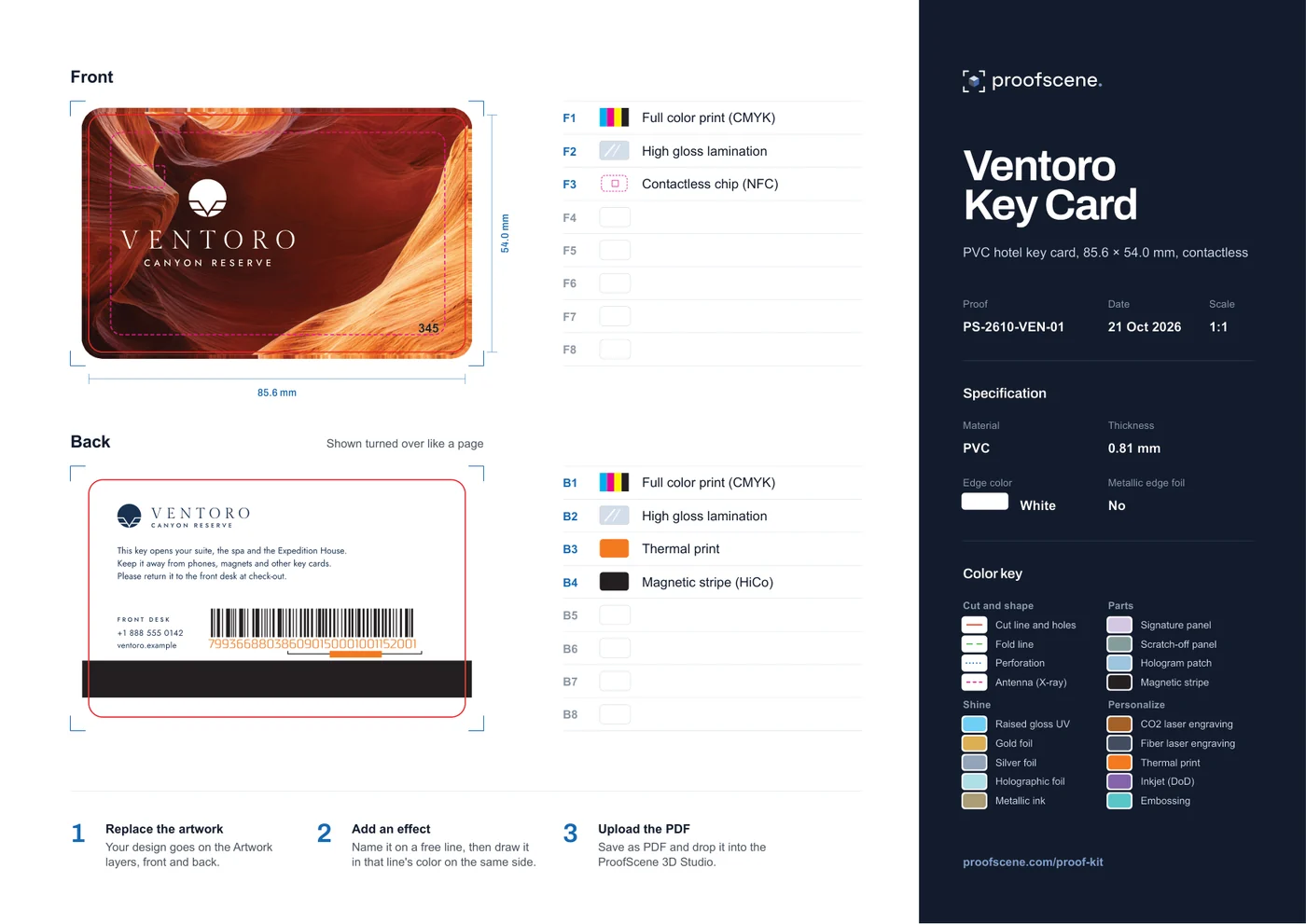 PS-2610-VEN-01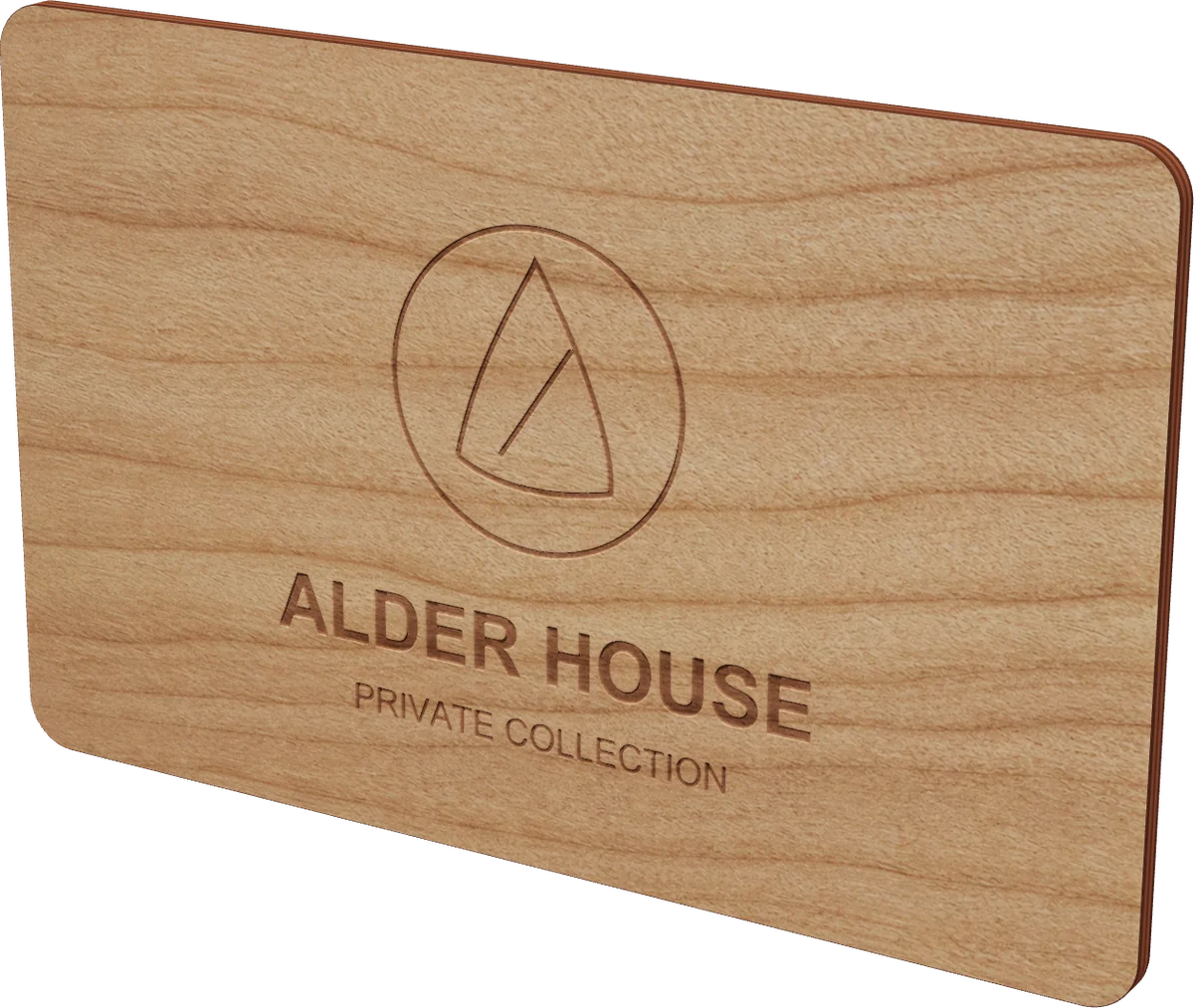
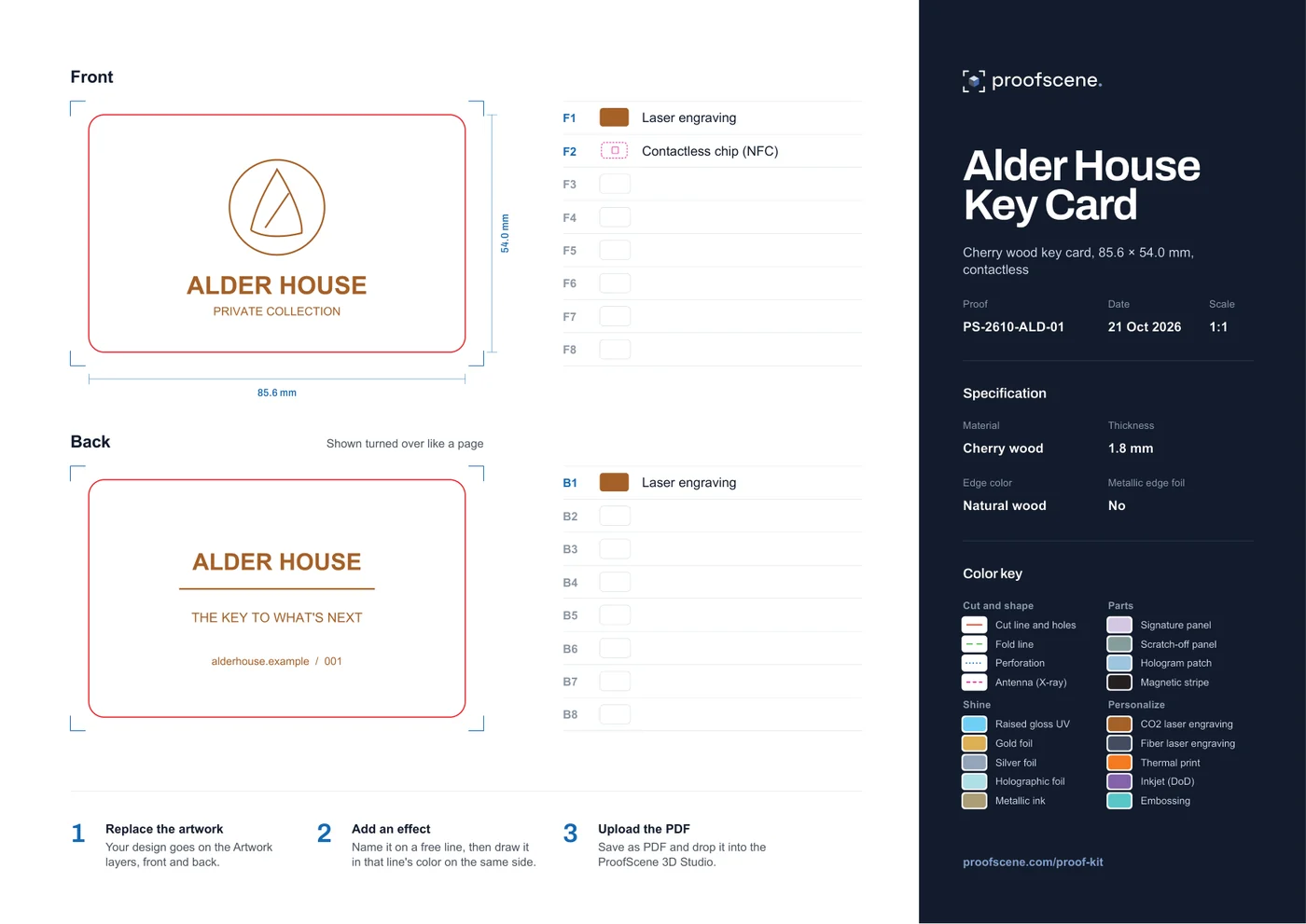 PS-2610-ALD-01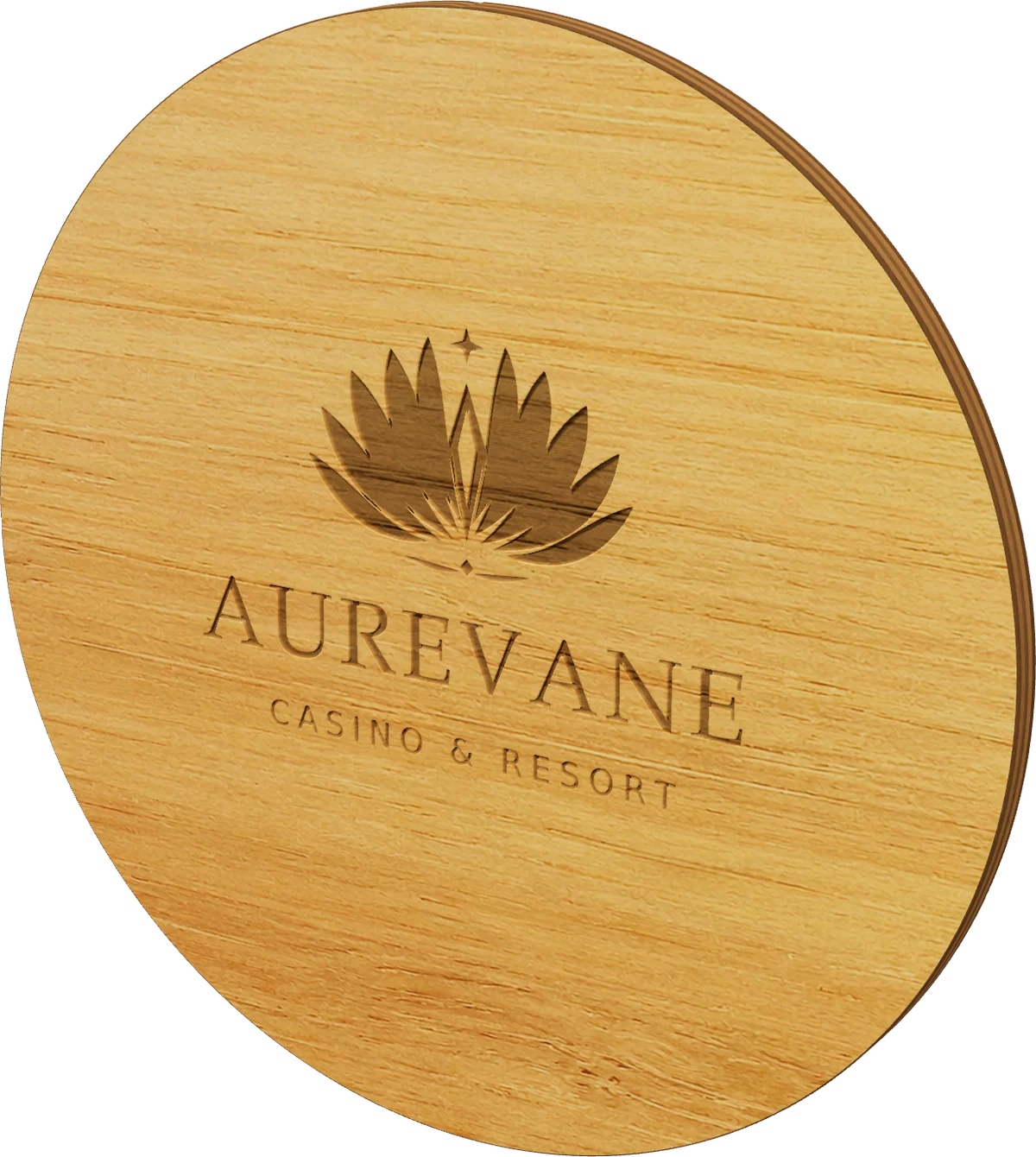
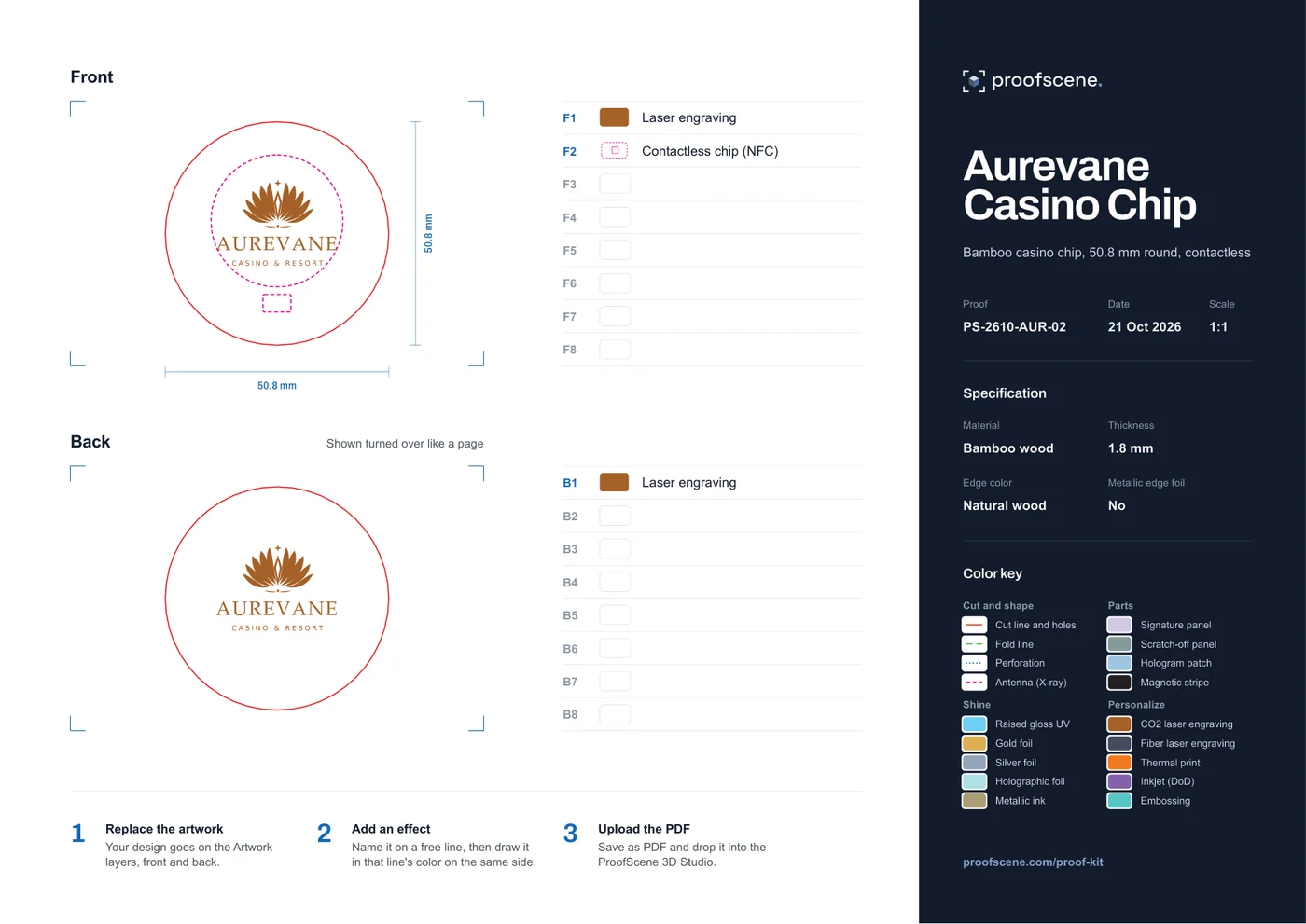 PS-2610-AUR-02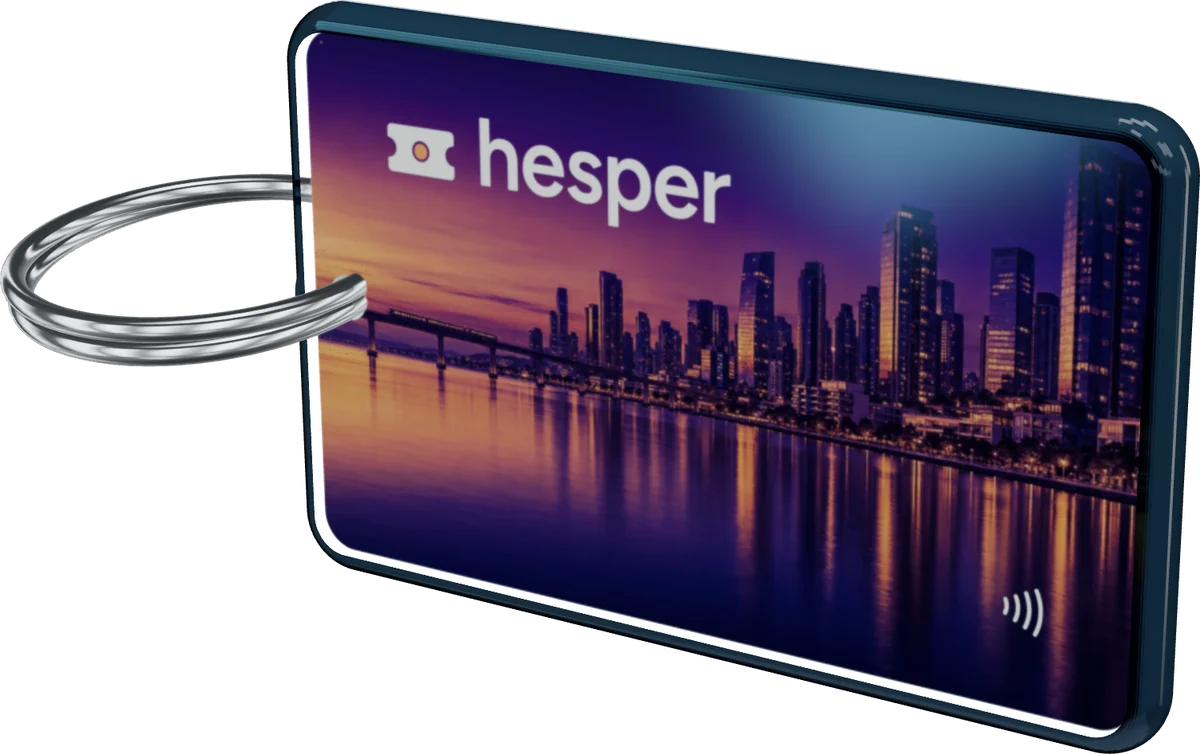
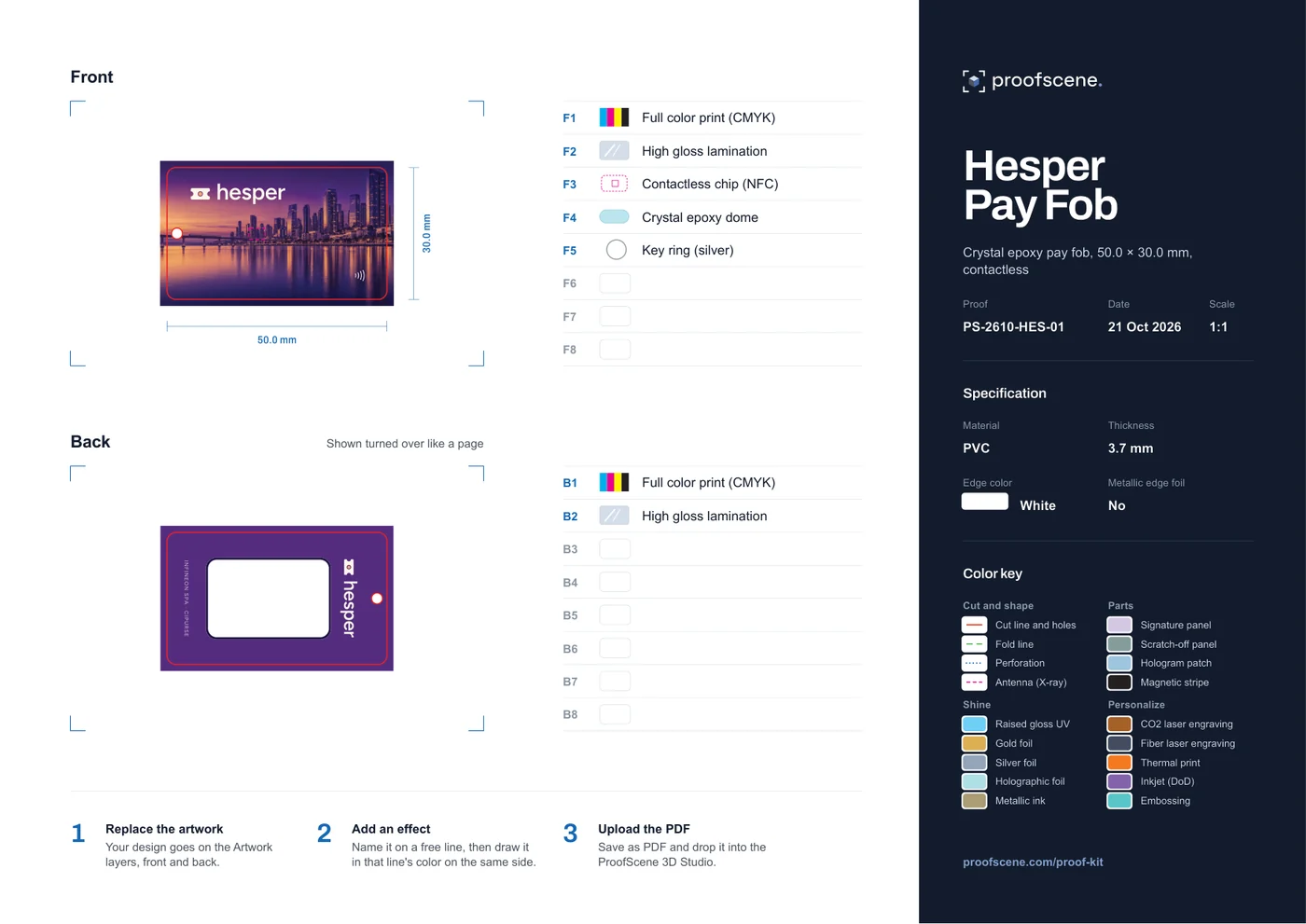 PS-2610-HES-01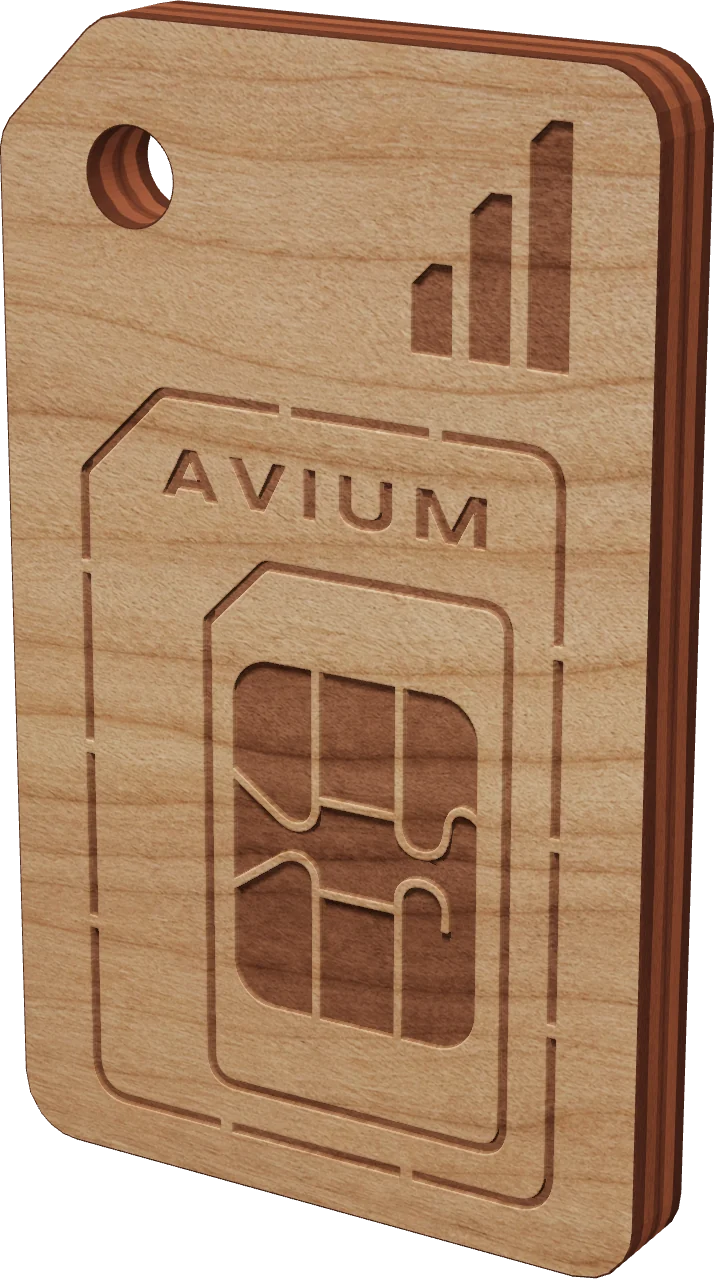
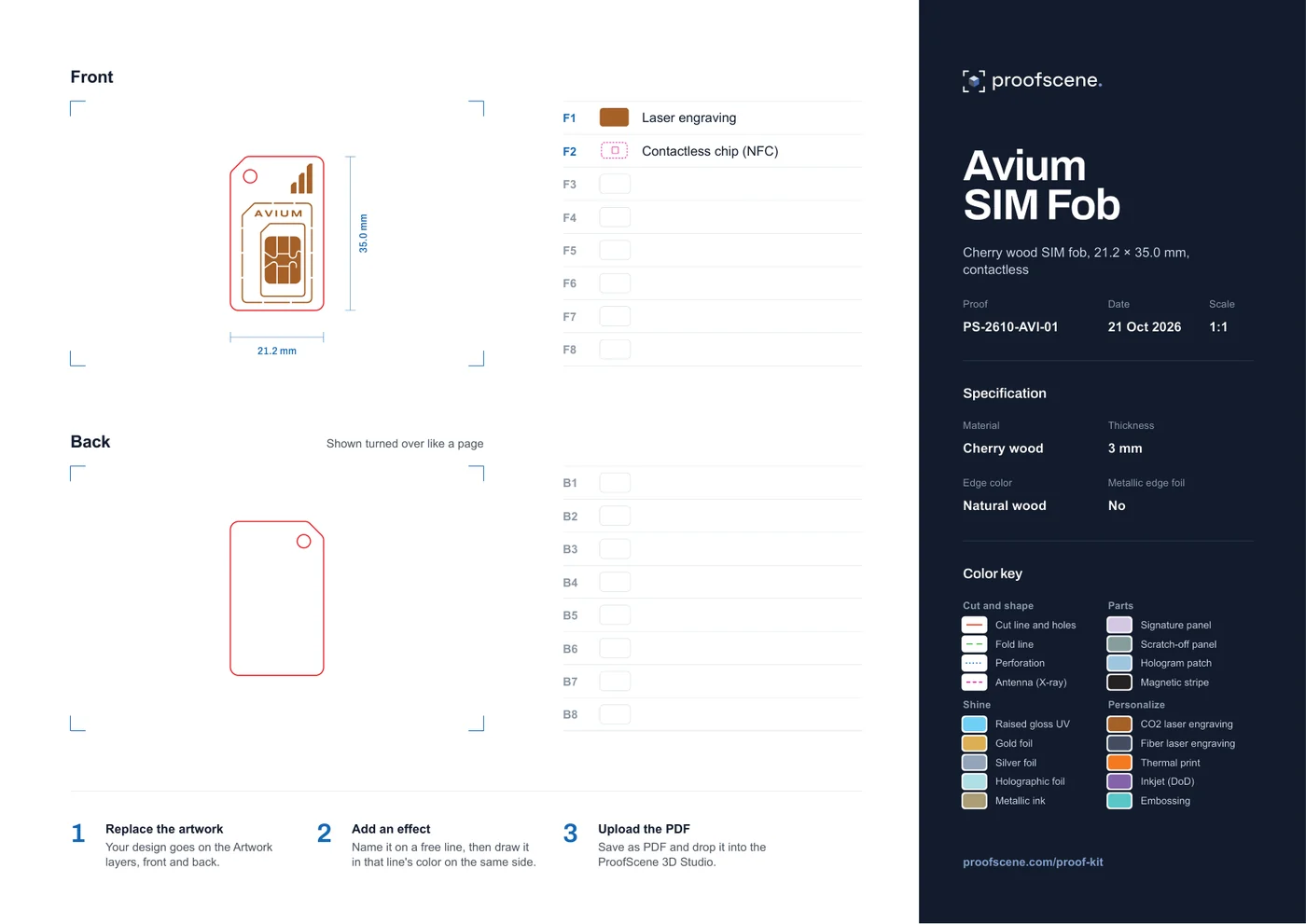 PS-2610-AVI-01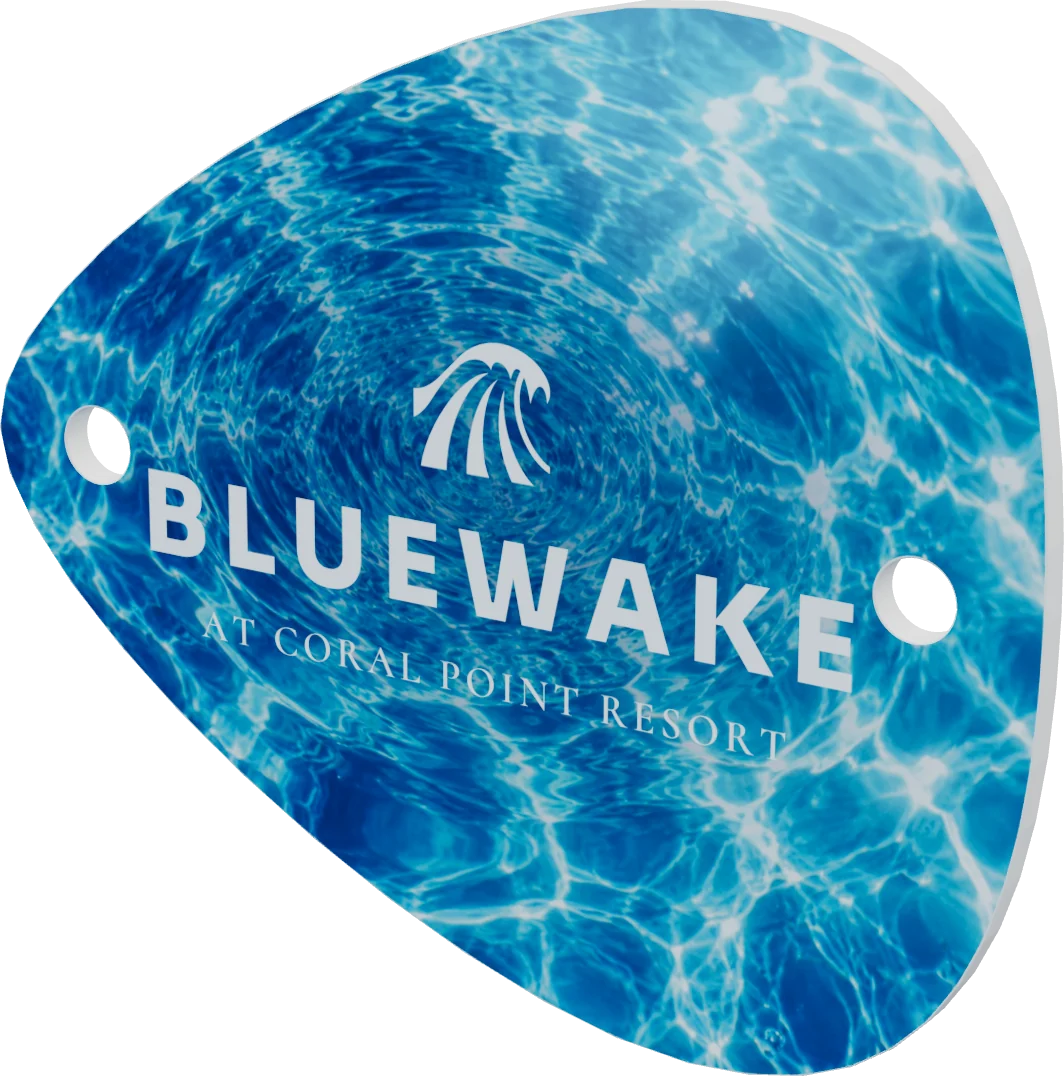
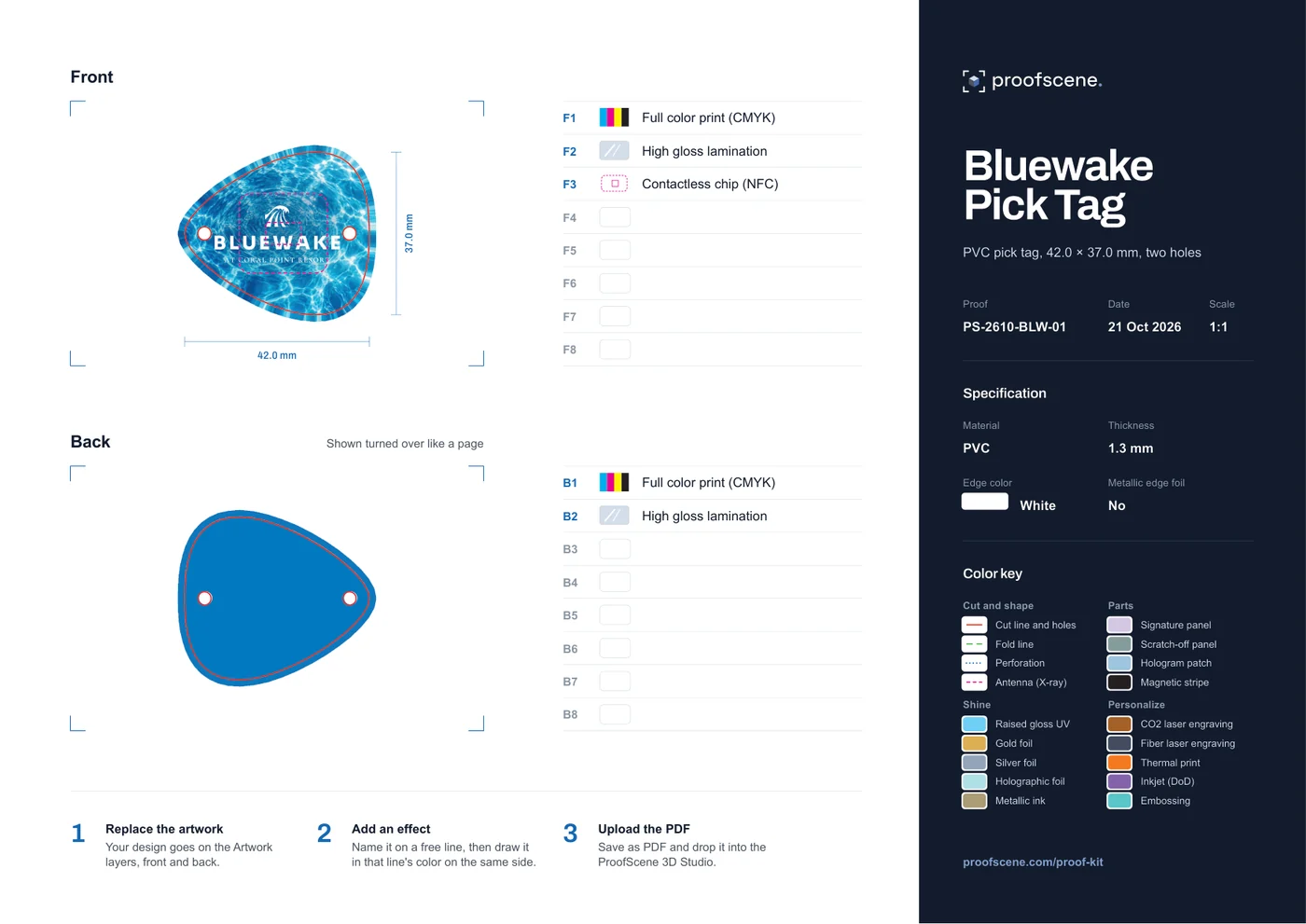 PS-2610-BLW-01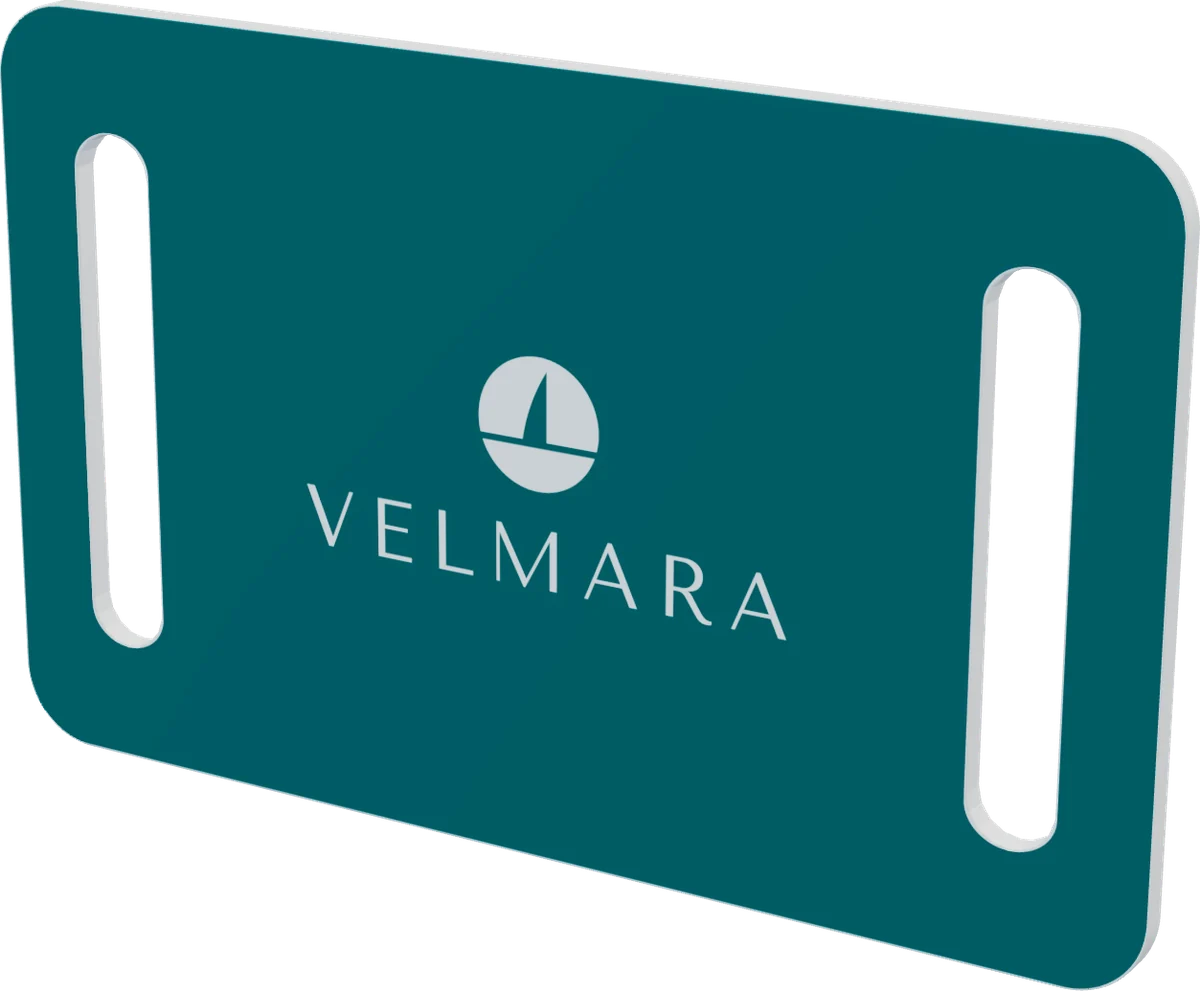
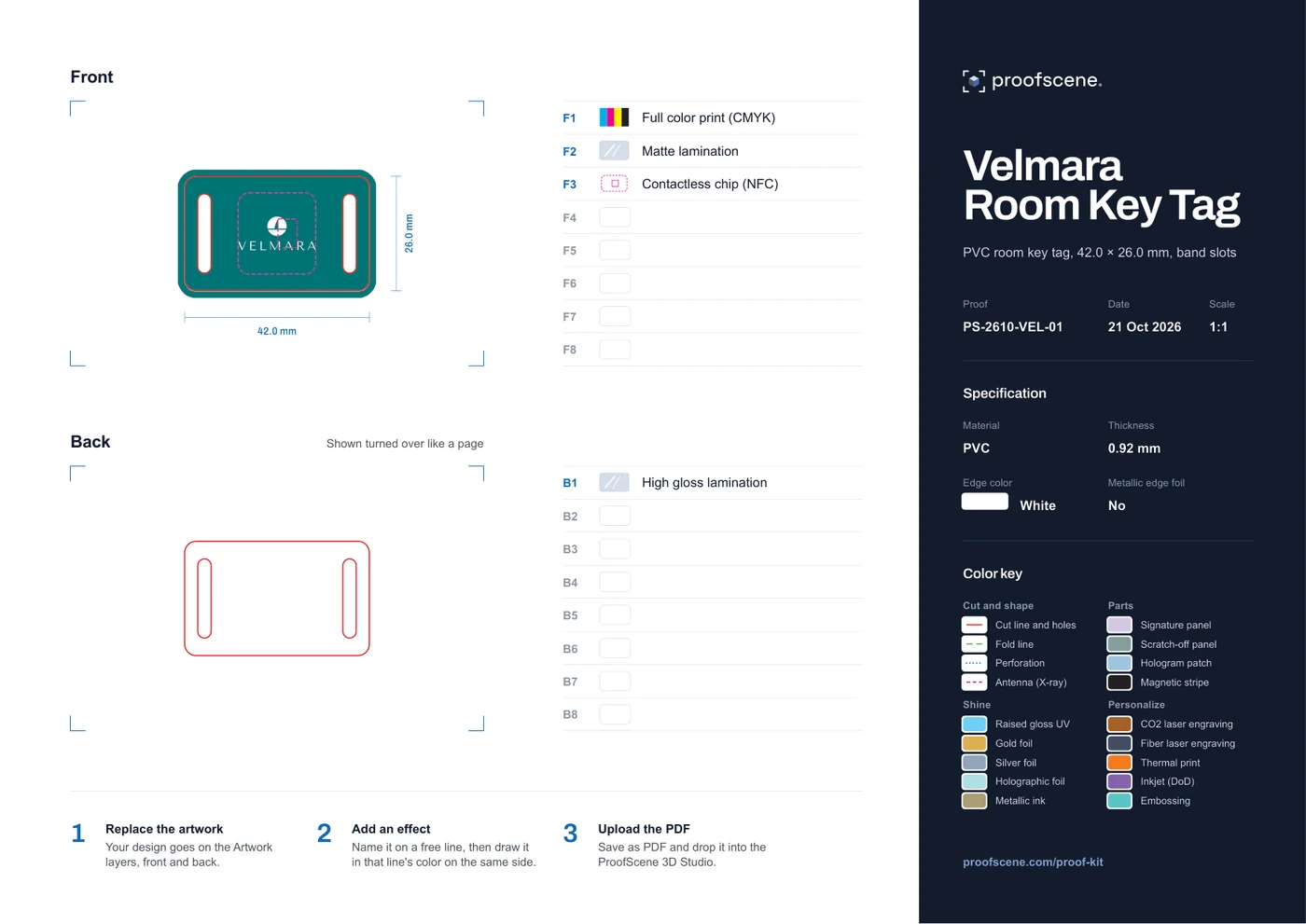 PS-2610-VEL-01
Blank templates for your own artwork
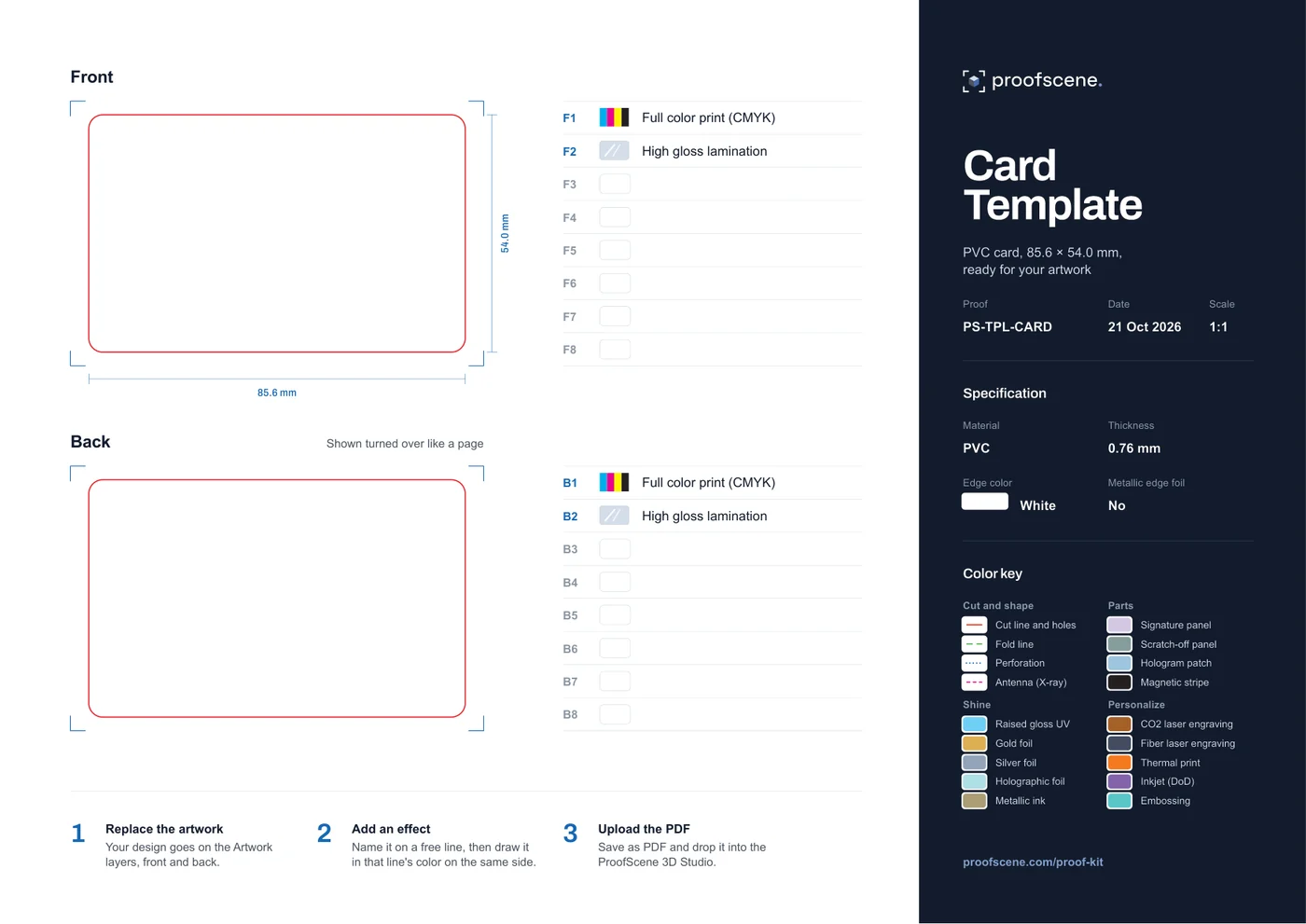
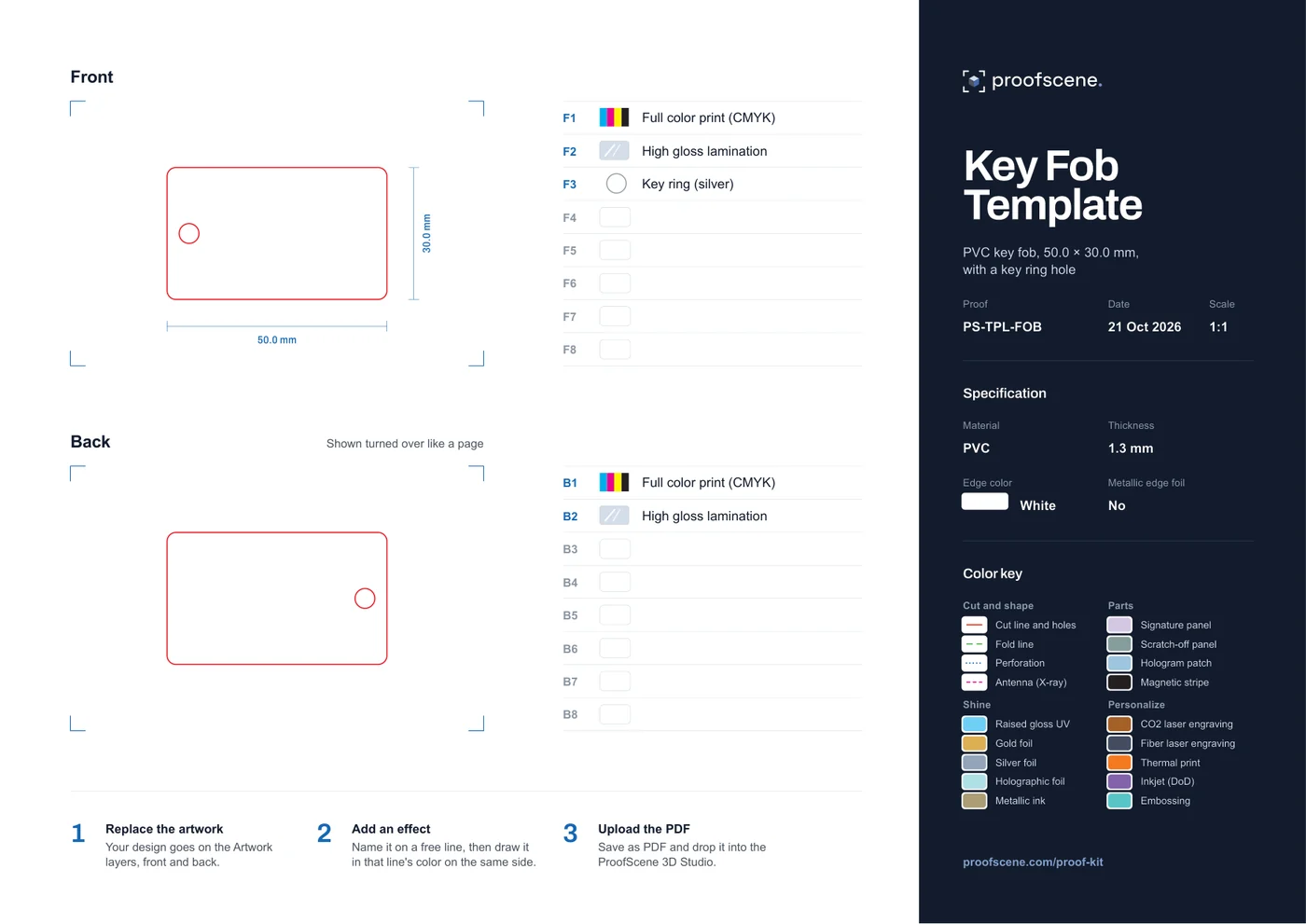
Two empty sheets with the lines, the specification and the color key already in place. Any other shape works the same way: redraw the red line at 1:1 in millimeters.
 Download PDF
Card Template
PVC card, 85.6 × 54.0 mm, ready for your artwork
 Download PDF
Key Fob Template
PVC key fob, 50.0 × 30.0 mm, with a key ring hole
From sheet to 3D in three steps
- 1
Replace the artwork
Your design goes on the Artwork layers, front and back, with 1.5 mm of bleed past the red line.
- 2
Add the effects
Put each effect on a free line, with its swatch and its name, then draw it in that line's color on the same side.
- 3
Upload the PDF
Save as PDF and drop it into the 3D Studio in your free account. It tells you, in plain words, anything it could not read.
How does a proof sheet work?
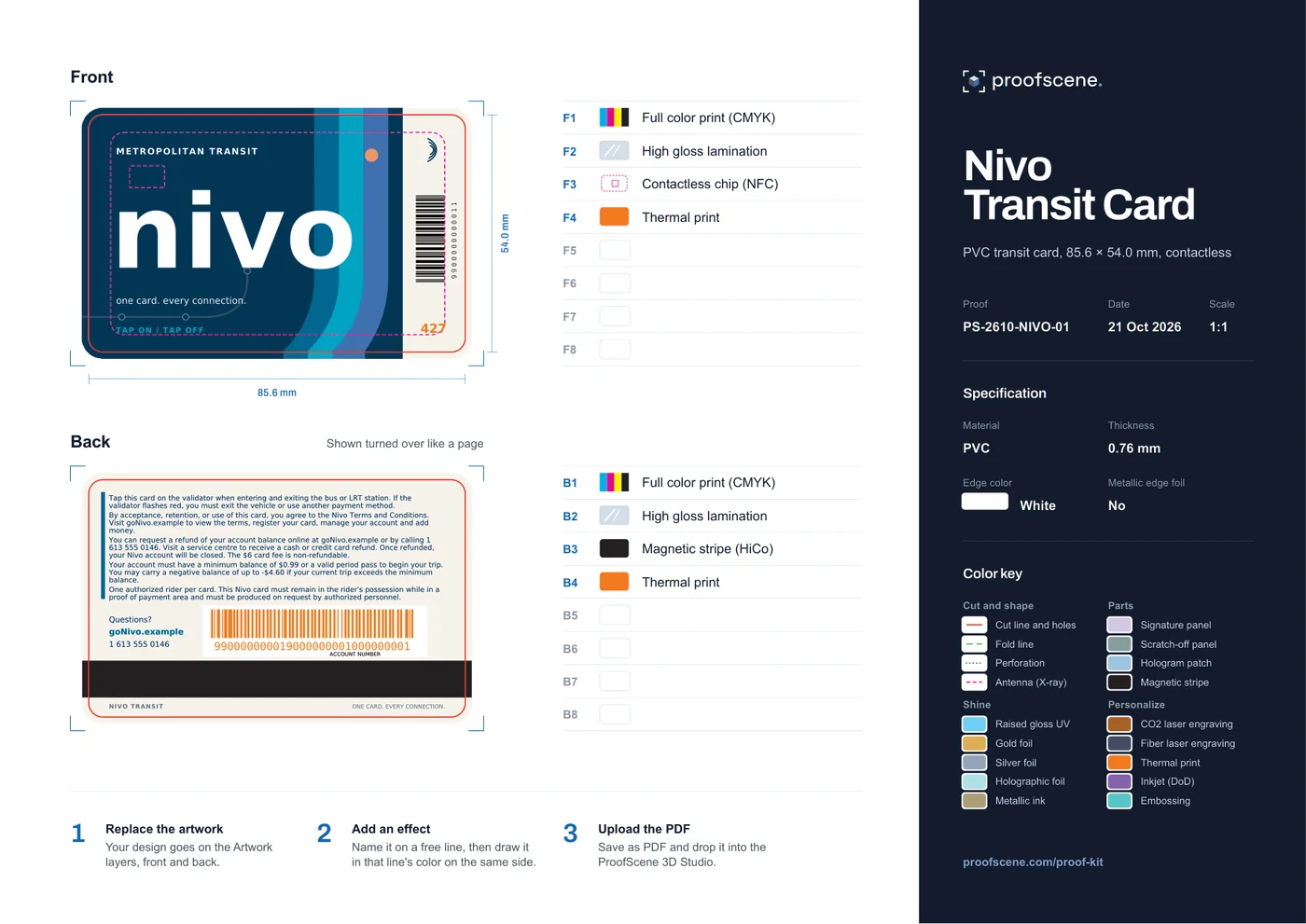
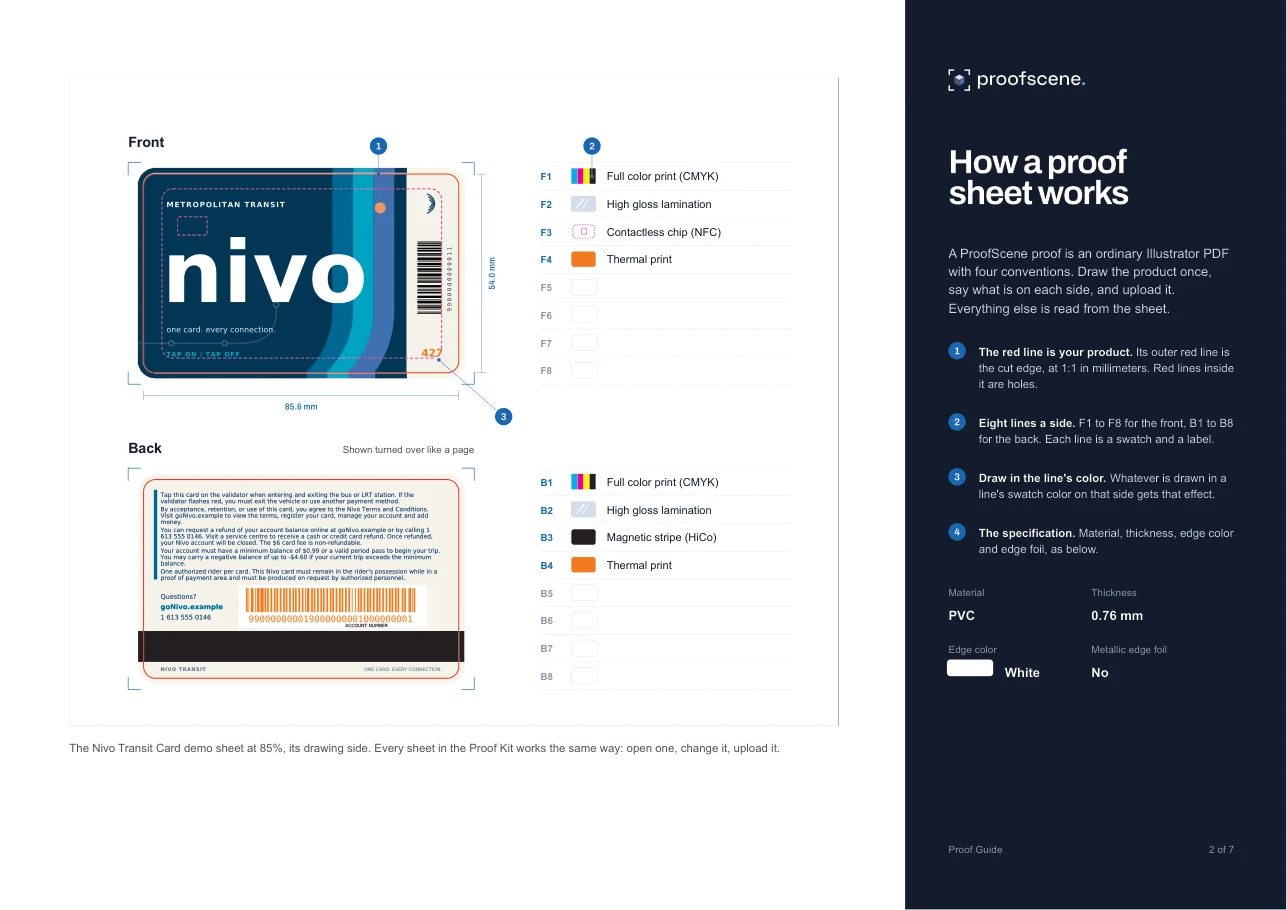
A proof sheet is an ordinary Illustrator PDF with four conventions. Draw the product once, say what is on each side, and upload it: ProofScene reads everything else from the sheet.
Front
- F1Full color print (CMYK)
- F2High gloss lamination
- F3Gold foil
- F4Raised gloss UV
- F5Contactless chip (NFC)
- F6Free line
- F7Free line
- F8Free line
Your card
ISO card, 85.6 x 54 mm
Specification
- Material
- PVC
- Thickness
- 0.76 mm
- Edge color
- White core
- Metallic edge foil
- No
The red line is your product
The outer red line is the cut edge, drawn at 1:1 in millimeters. A closed red line inside it is cut out: a key ring hole, a band slot, a window.
Eight numbered lines a side
F1 to F8 describe the front and B1 to B8 the back. Each line is one swatch and one label, such as Gold foil, Magnetic stripe or High gloss lamination.
Draw in a line's color
Whatever is drawn or typed in a line's swatch color on that side gets that effect. Here the logo is in F3's gold, so it becomes foil, and the disc is F4's see-through blue, so it becomes raised gloss UV.
The specification
Material, thickness, edge color and metallic edge foil are words and a bar you edit. Write the thickness in millimeters: 0.76 mm is a standard card.
Name a finish, or type a gloss number
Write the lamination on a line, such as F2 High gloss lamination, using one of nine finishes: Mirror gloss, High gloss, Semi-gloss, Satin, Semi-matte, Matte, Coarse matte, Heavy matte or Frosted. Or give a gloss reading in GU: 92 GU is mirror gloss and 3 GU is frosted. How the finishes compare.
- Mirror gloss92 GU
- High gloss82 GU
- Semi-gloss57 GU
- Satin37 GU
- Semi-matte25 GU
- Matte15 GU
- Coarse matte10 GU
- Heavy matte6 GU
- Frosted3 GU
Write one of seven woods
For a wood product, write the species as the material, such as Cherry wood. ProofScene has seven built-in woods: Cherry, Black walnut, Sapele, Bamboo, Maple, Birch and Beech. Wooden card engraving proofs.
- Cherry
- Black walnut
- Sapele
- Bamboo
- Maple
- Birch
- Beech
What is in the Proof Guide?
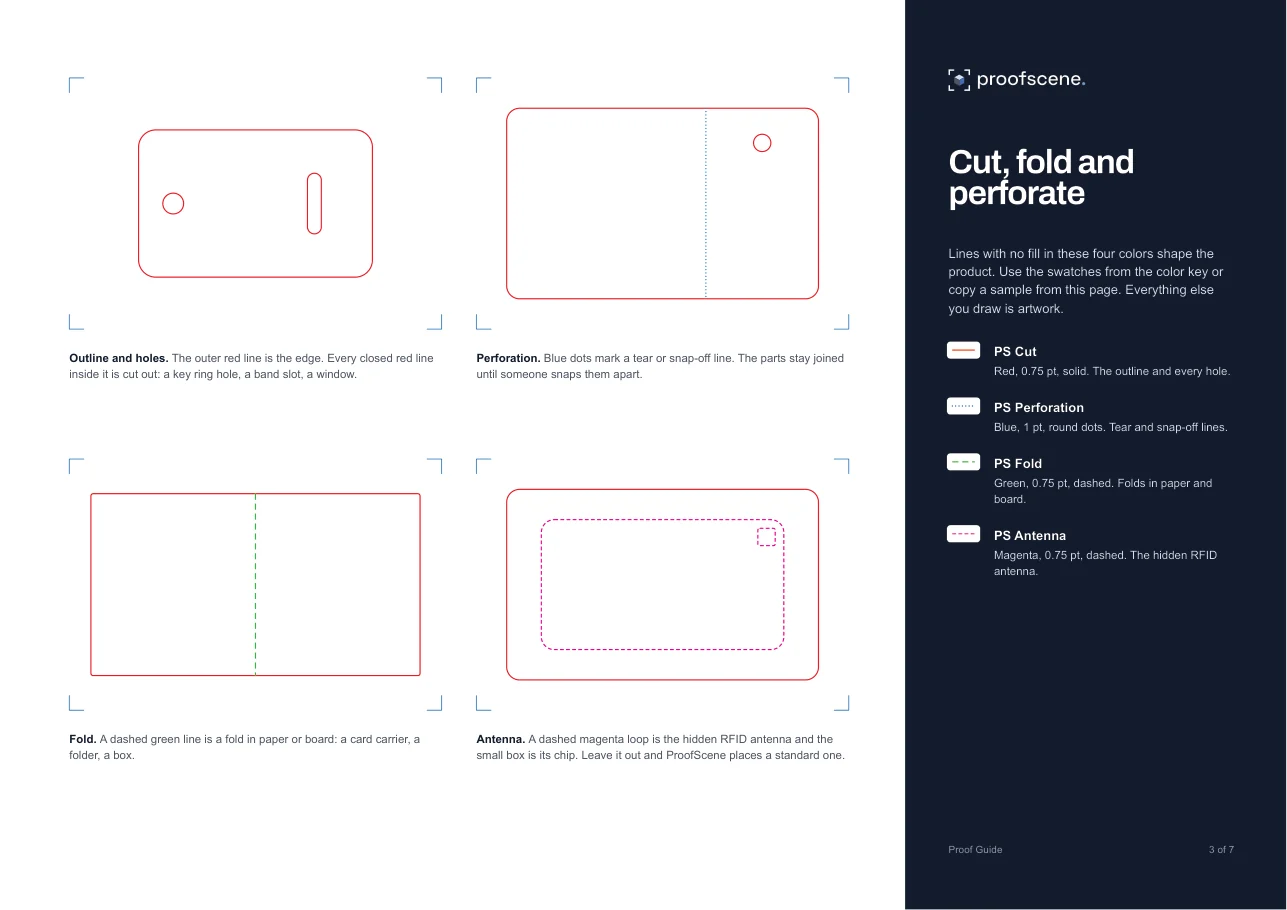
Seven pages on how a sheet works: the cut, fold and perforation lines, every effect color, the contact chips and parts, the finishes and materials, and how to upload. Keep it open next to Illustrator.
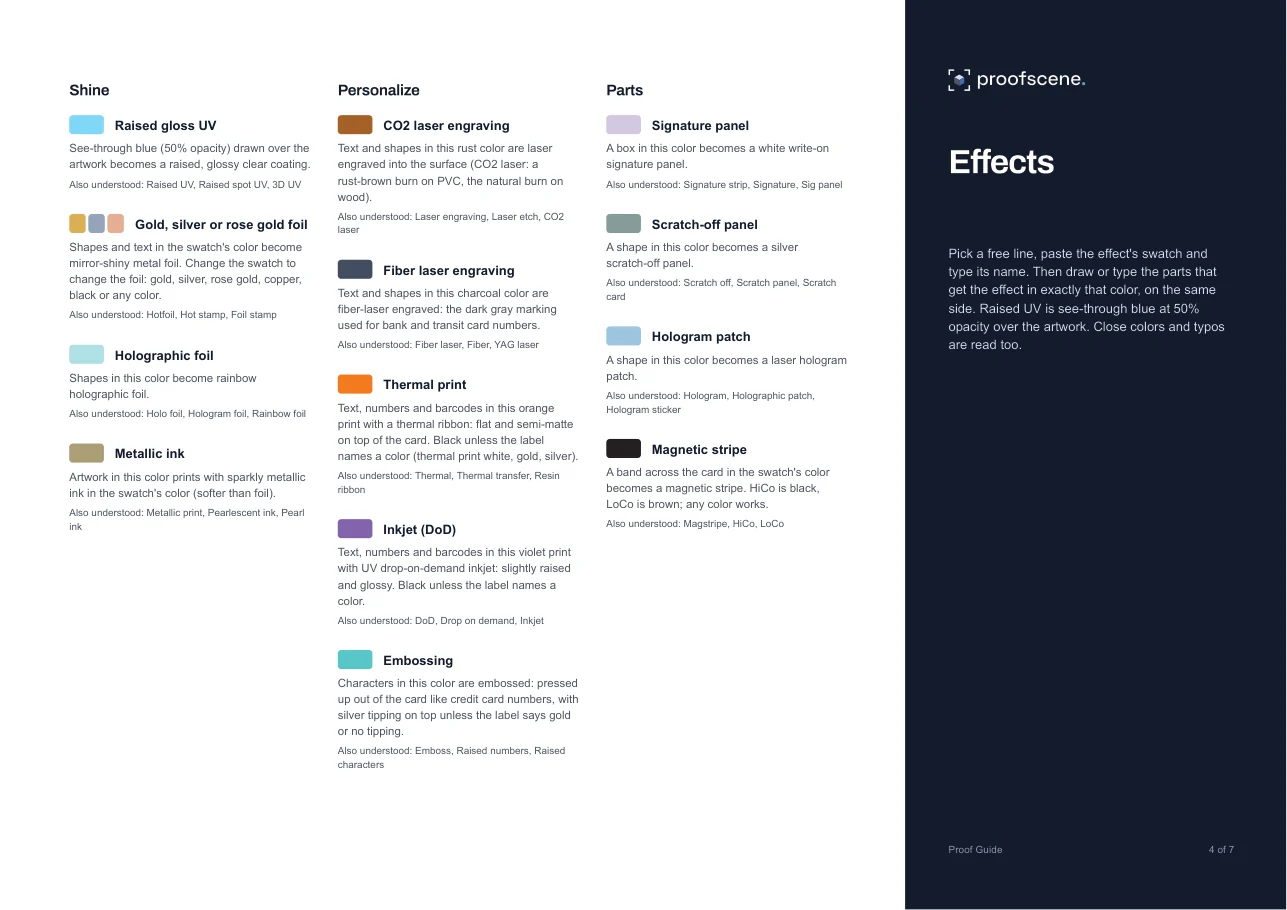
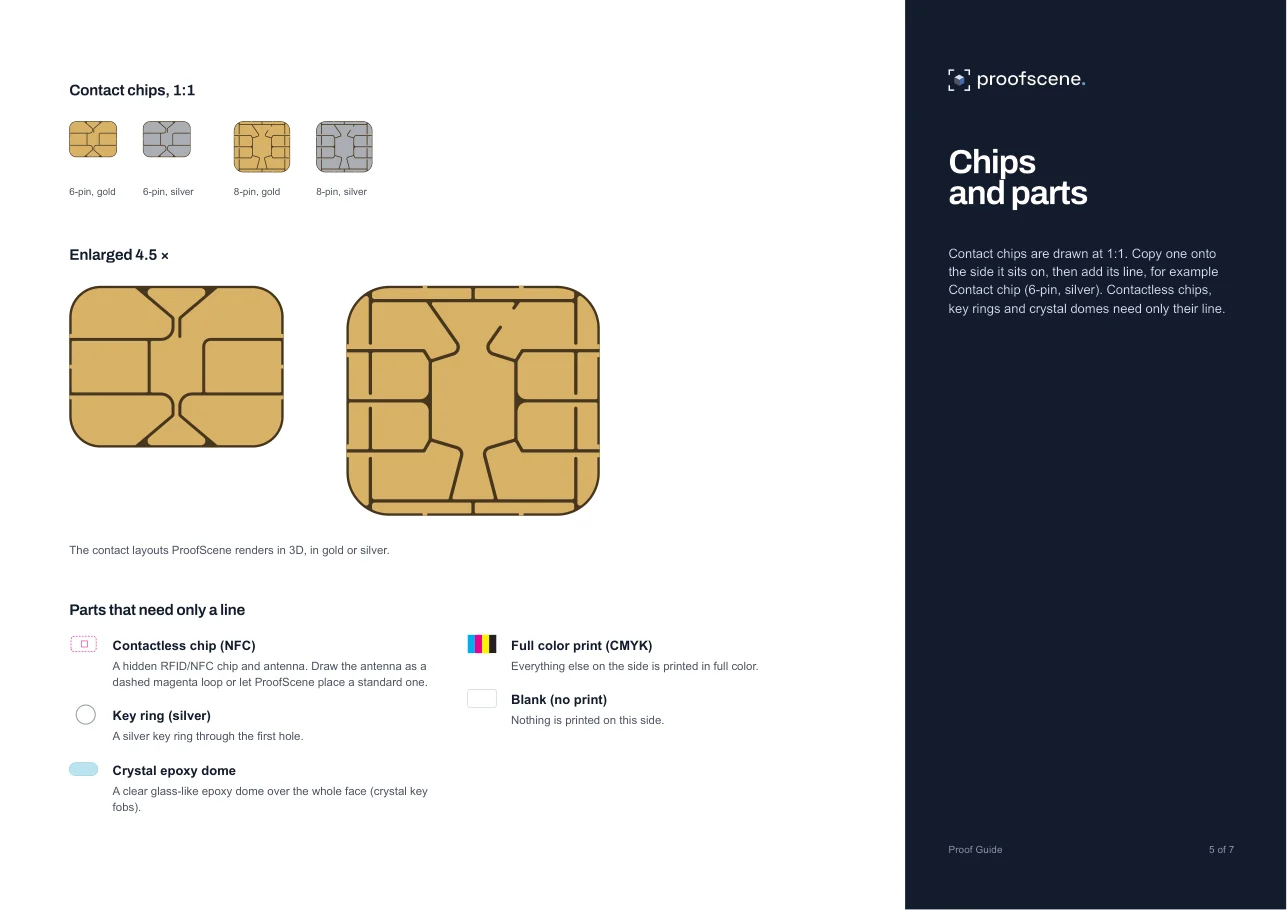
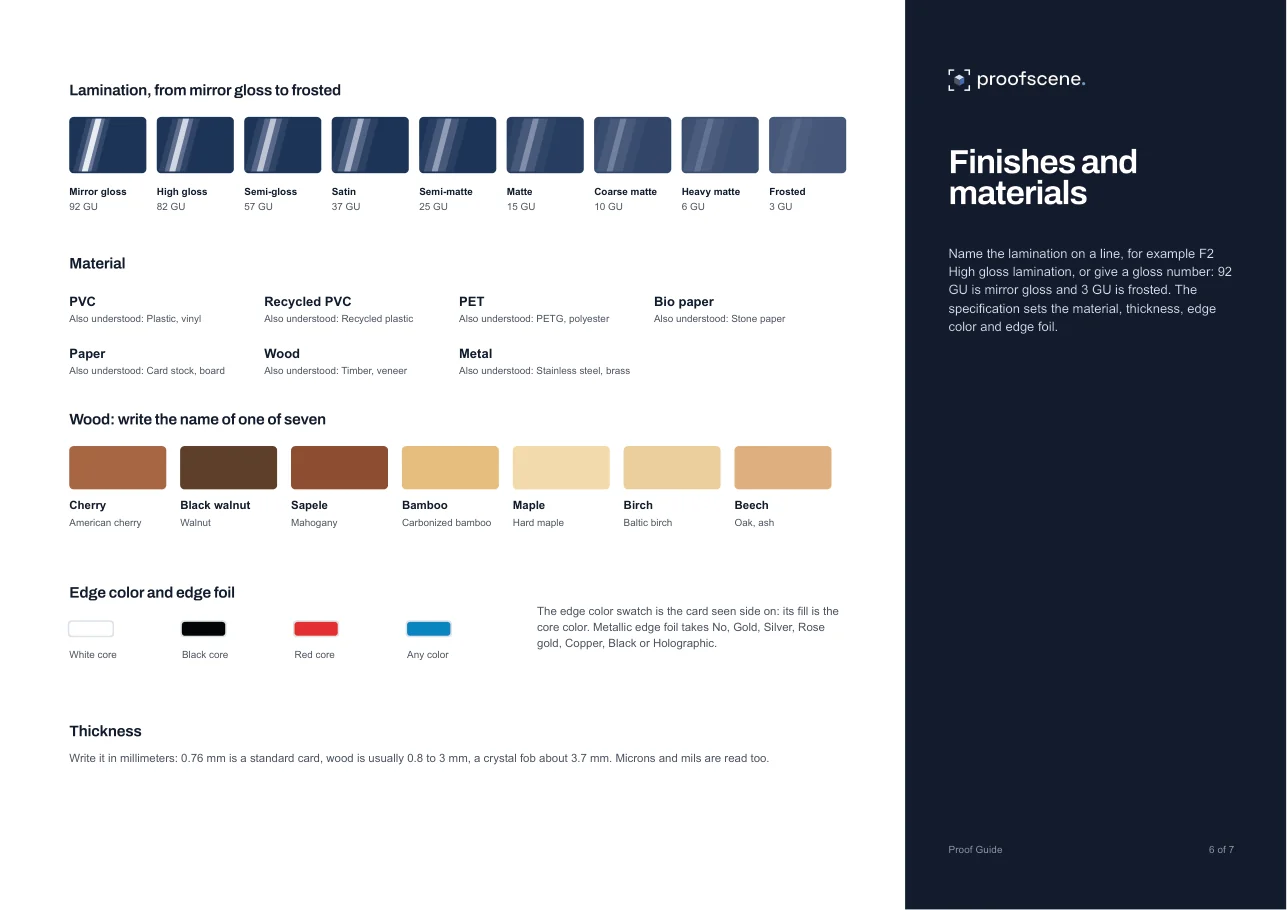
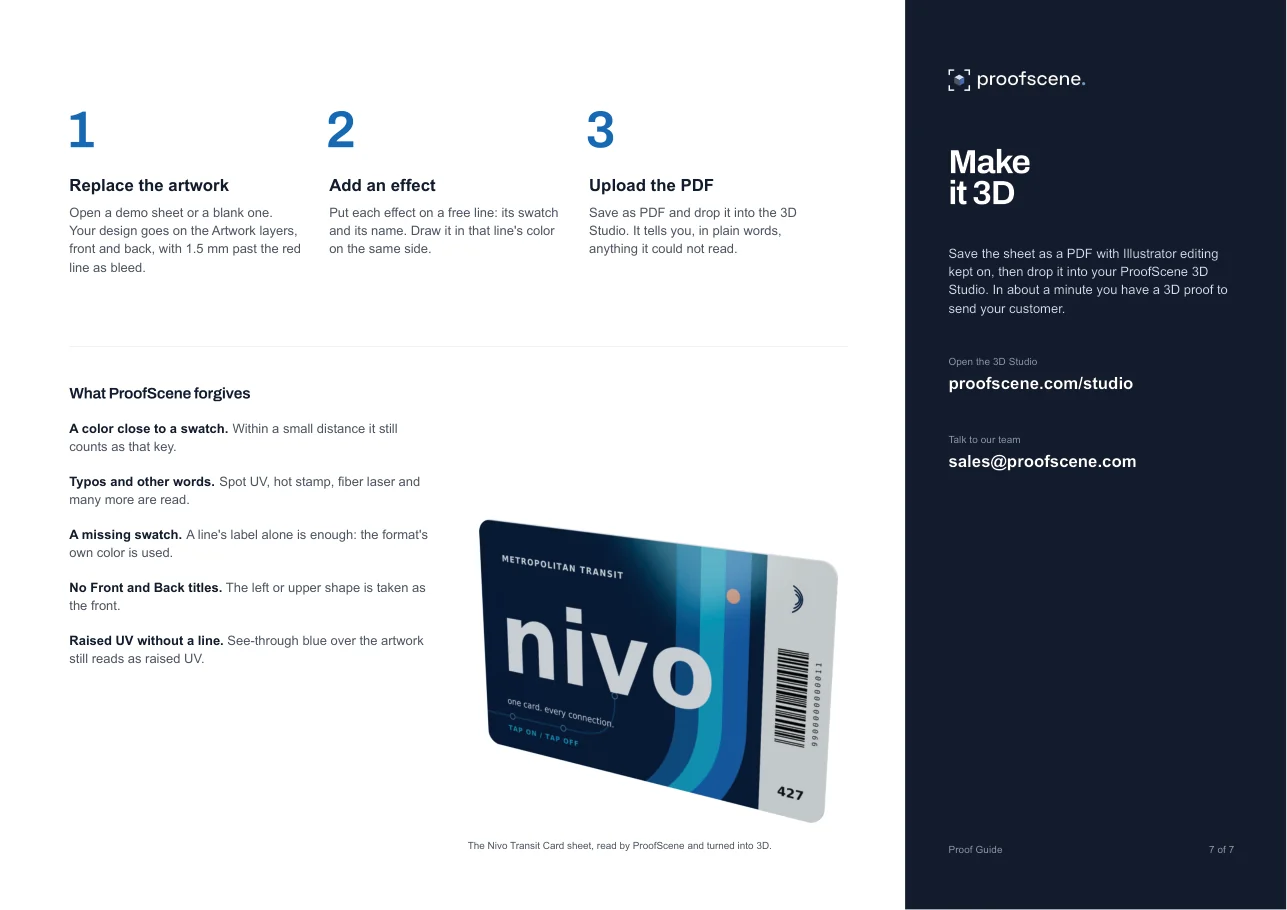
Swatches for Illustrator
Every key color as a named spot swatch. In Illustrator, open the Swatches panel menu, choose Open Swatch Library, then Other Library, and pick the file.
Cut and shape
- PS CutC0 M100 Y100 K0
- PS PerforationC100 M55 Y0 K0
- PS FoldC75 M0 Y100 K0
- PS AntennaC0 M100 Y0 K0
Shine
- PS Raised UVC100 M0 Y0 K0
- PS Hotfoil GoldC5 M25 Y75 K10
- PS Hotfoil SilverC30 M15 Y5 K20
- PS Hotfoil Rose GoldC0 M30 Y35 K10
- PS Holographic FoilC30 M0 Y10 K0
- PS Metallic InkC10 M15 Y45 K30
Personalize
- PS Laser CO2C0 M53 Y83 K39
- PS Laser FiberC45 M30 Y10 K65
- PS Thermal PrintC0 M65 Y100 K0
- PS Inkjet DoDC55 M70 Y0 K0
- PS EmbossingC60 M0 Y25 K0
Parts
- PS Signature PanelC15 M20 Y0 K0
- PS Scratch-offC20 M0 Y10 K40
- PS HologramC30 M5 Y0 K10
- PS Magnetic StripeC0 M0 Y0 K100
- PS Chip GoldC5 M22 Y65 K12
- PS Chip SilverC18 M12 Y10 K22
Proof Kit questions
Straight answers about the kit, the format and what happens after you upload. If yours is not here, ask.
Ask us anythingWhich app do I need to edit a proof sheet?
Adobe Illustrator is the easiest, and any app that keeps spot colors when it saves a PDF works too. The lines and the specification are set in Arial, so the words you edit open on any computer without a missing font.
Can I use my factory's own proof sheets instead?
Yes. ProofScene also reads the proof sheets your factory or prepress team already makes. The kit's format is simply the easiest one to edit when you start from a blank page.
What happens when I upload a sheet?
The 3D Studio reads the cut line, every line and the specification, builds the product in 3D and tells you in plain words anything it could not read. You check the result, then publish it on a branded link at yourcompany.proofscene.com. A 3D proof shows appearance, placement, materials and finishes; it is not a calibrated contract-color proof.
Do my colors have to match the swatches exactly?
No. A color close to a swatch still counts as that key, a line whose swatch is missing uses the format's own color, and common words such as spot UV, hot stamp or fiber laser are read too. Raised UV drawn as see-through blue over the artwork is read even without its line.
Which products can I proof with the kit?
The demo sheets cover PVC and wood cards, a payment card with a contact chip, a contactless key card, a bamboo casino chip, crystal and wood key fobs, a shaped tag and a wristband tag. ProofScene also builds PET cards, silicone key fobs, SIM punch-out cards, card carriers, key-card sleeves, paper packaging that folds from its dieline, lanyards, and silicone and fabric wristbands.
Is the Proof Kit free?
Yes. The kit downloads without an account, and a ProofScene account to upload your sheets and share them in 3D is free to start. For teams, high proof volumes, white-label or self-hosted setups, talk to us.
Turn your first sheet into 3D
Create a free account, upload a sheet from the kit or one of your own, and send your customer an interactive 3D proof on your branded link.
Free account · No credit card · Built by print people