Branded proof links
Drag a proof in, get a URL out. Proofs go to your customers on your own subdomain, under your own job number, marked as prepared by your company, with a password when the work needs one.
What your customer receives
yourcompany.proofscene.com/P26001234
Your name, your job number, your customer's confidence.
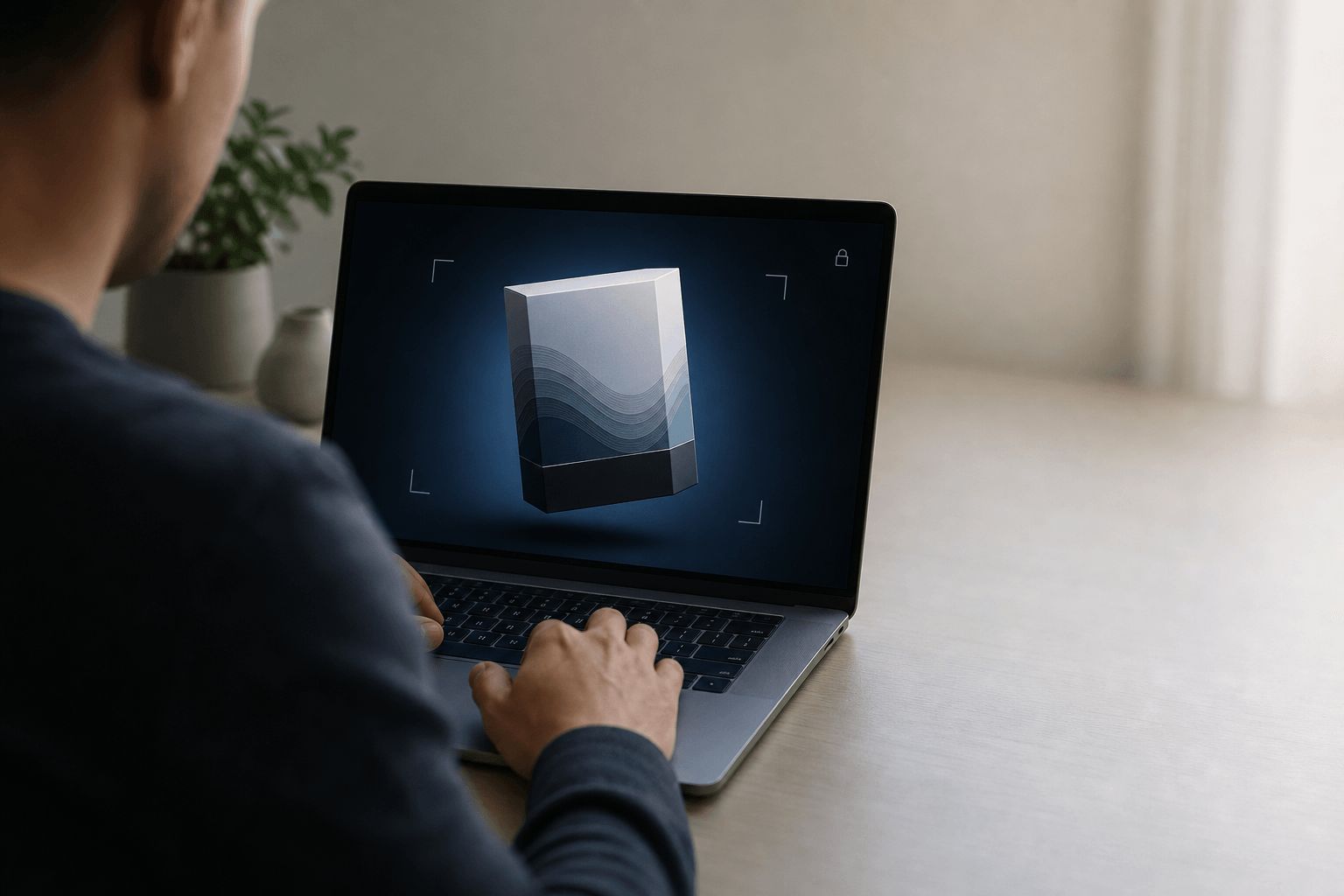
A proof address you own
The link is the product as far as your customer is concerned. It is worth making sure it looks like yours.
Your subdomain, not ours
Proofs go out on yourcompany.proofscene.com, so the page your customer lands on reads as your shop rather than a tool you happen to use.
The job number is the URL
A link ending in your own reference (/P26001234) is instantly searchable in your inbox, your MIS and your customer's.
Optional password per link
Unreleased packaging, government credentials and NDA work can carry a password on that specific proof without locking down every job.
Drag a proof in, get a URL out
The whole interaction is one drop and one copy. Paste the link into the email you were already writing.
Your name, logo and colors
Each proof says it was prepared by your company, and your logo and brand color frame the link’s password page. The customer is approving work from their printer, not from a third party they have never heard of.
Same link, new revision
Push round two to the same URL. Anyone who bookmarked or forwarded it now sees the current artwork instead of the superseded round.
From file on your desktop to link in their inbox
- 01
Drop the proof in
Drag the proof-sheet PDF into the 3D Proof Studio. No project setup, no folder ceremony.
- 02
Set the reference
Use your own job number. It becomes the end of the URL and the key everything else is filed under.
- 03
Protect it if needed
Add a password when the work is confidential. Leave it open when speed matters more.
- 04
Copy and send
Paste the link into your normal proof email, alongside your normal PDF. Nothing about how you communicate has to change.
Four practical reasons, none of them about technology
- Deliverability
- A link is a few dozen characters. A packaging proof is tens of megabytes. One of those reliably arrives at a corporate mail server and one does not.
- Trust
- Buyers are trained to distrust unfamiliar domains. A URL on your own subdomain, sent from your own address, does not look like something to be careful about.
- Findability
- When the customer searches their inbox for the job number three weeks later, the link is right there, and it still opens the current version.
- Control
- You decide what lives at that address. Retire a link when a job closes, or replace its contents when the artwork moves on.
Related
Where the link leads, and how to make the whole thing yours.
Proof links, answered
Short, straight answers to the questions we are asked most. If yours is not here, ask.
Ask us anythingWhat is a branded proof link?
A branded proof link is the URL you send a customer to review their proof, hosted on your own subdomain (for example yourcompany.proofscene.com/P26001234) and marked as prepared by your company, with your logo and brand color on its password page, so the review reads as your business rather than a third-party tool.
How do I create a proof link?
Drag the proof in, set your job reference, optionally add a password, and copy the URL. It is designed to take less time than attaching a PDF to an email, because that is what it is competing with.
Can I password protect a proof?
Yes, per link. Some work needs it (unreleased packaging, credential programs, anything under NDA) and most work does not. Protecting everything by default just adds friction to jobs that never needed it.
What happens when I send a new revision?
Choose Publish update and the same link shows the new round. Anyone who saved, bookmarked or forwarded the URL sees the latest artwork rather than a superseded version, which removes the most common cause of approving the wrong file.
Can I use my own domain instead of a subdomain?
Every account gets its own company subdomain, yourcompany.proofscene.com, chosen when you sign up. If you need proofs served from your own domain and infrastructure, self-hosted and white-label deployments are scoped with our team: talk to us about enterprise setup.
Are proof links private?
Links are unlisted and not indexed, and any link can carry a password. An unlisted link opens for anyone who has the address, which suits most commercial work, and a password locks down artwork that is genuinely confidential.
Does the customer need an account to open a link?
No. They click, the proof opens, they review and respond. Every login placed in front of a print buyer is a reason for an approval to stall for another day.
Put your name on the proof page
Create a free account, upload a proof sheet and send your customer an interactive 3D proof on your own branded link today.
Free account · No credit card · Built by print people