How it works
How Proofscene works
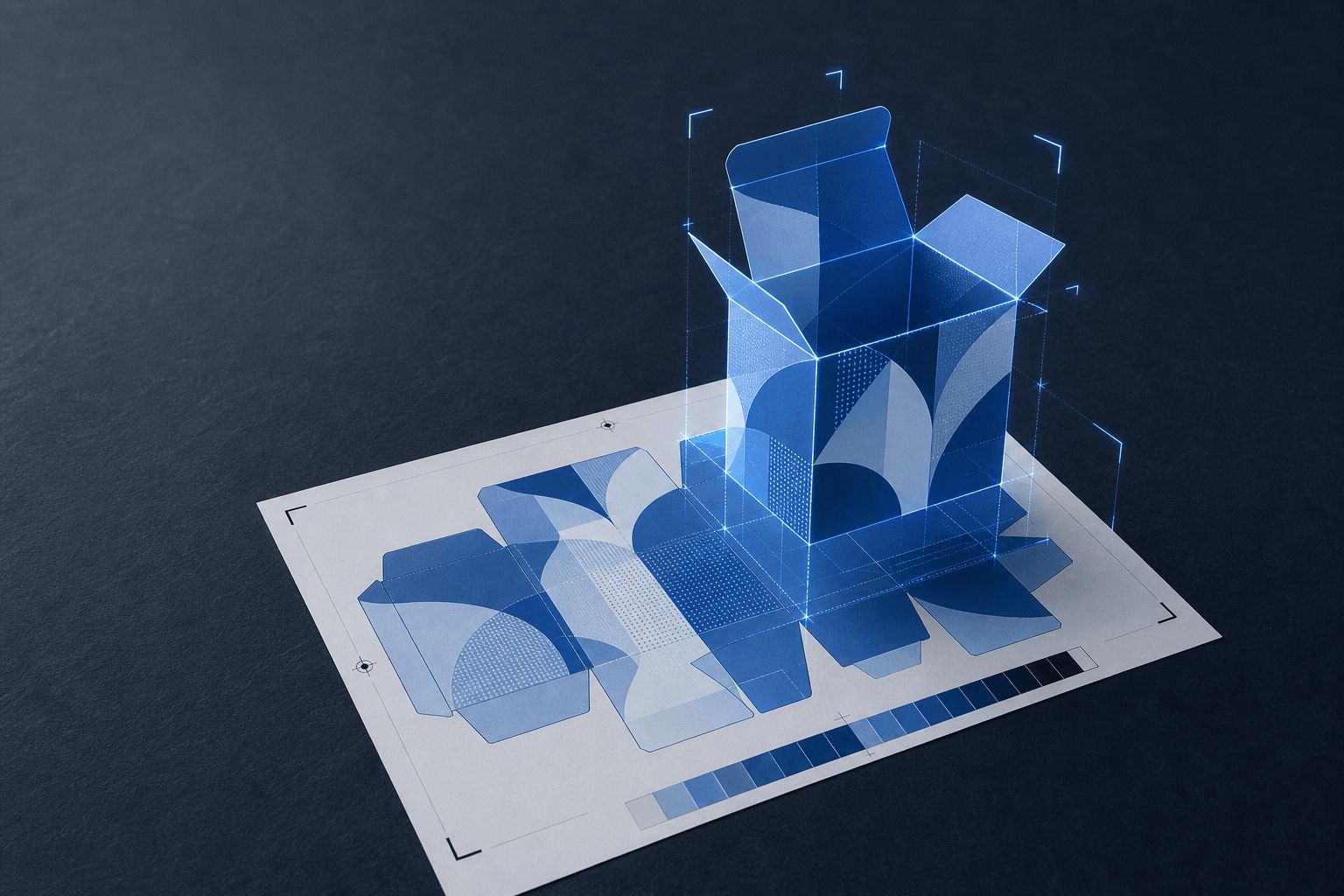
Upload the proof sheet you already produce, get a 3D model of the finished product, and send it as a branded link your customer can rotate and inspect before they sign off.
Four steps, inside the process you already run
Nothing here asks prepress to become a 3D department or asks your customer to learn a new tool. That is the constraint the whole product is built around.
- 01
Upload the proof
Start from our free proof template, or have our team set Proofscene up for the proof layout you already use.
Drop the PDF into the 3D Proof Studio. Proofscene separates the print artwork from the proof guides and reads the job specification already on the sheet: size, stock, thickness, die line, holes and the finishes called for. That specification is what makes the result a proof rather than a picture, and you check what was read before anything is published.
- A proof sheet from our free template, or your own layout, as the input
- Artwork and specification read from the sheet
- Your job number remains the reference
- 02
Generate the 3D proof
Proofscene builds the finished product in 3D with your artwork applied.
The product is built to the size, thickness and stock on the proof, and each finish is applied as a surface: foil as a metallic that catches the light, raised UV as a gloss that stands proud, wood as engraved veneer. Carriers open to the card inside, packaging folds from its dieline and an X-ray view shows the antenna and chip inside a smart card.
- Cards, keyfobs, carriers, sleeves, packaging, lanyards and wristbands
- Foil, raised UV, metallic ink, lamination and wood engraving
- You review the result before your customer sees it
- 03
Share a branded link
Drag a proof in and get a URL on your subdomain, under your job number.
The proof goes out as a link on yourcompany.proofscene.com, ending in your own reference. Add a password if the artwork is confidential. Then paste it into the email you were already writing, next to the PDF you were already sending. Your customer clicks once and the product opens in their browser: no plugin, no download, no account, no app.
- Branded customer-facing proof view
- Optional password for confidential work
- Published proofs remain searchable in the proof library
- 04
Customer reviews and approves
They turn the product over, check the back and watch each finish catch the light.
The reviewer rotates the product, zooms into the small print, opens the carrier or unfolds the pouch, and looks at the panel nobody checks on a flat page. Then they give you their answer with the product in front of them. You can see whether the link has been opened, mark it Approved in your library once they sign off, and the link keeps showing the build they reviewed until you publish an update.
- Works on desktop, tablet and phone
- Rotate, zoom and inspect every side
- Mark the link Approved when the customer signs off
Watch a flat proof become the finished product
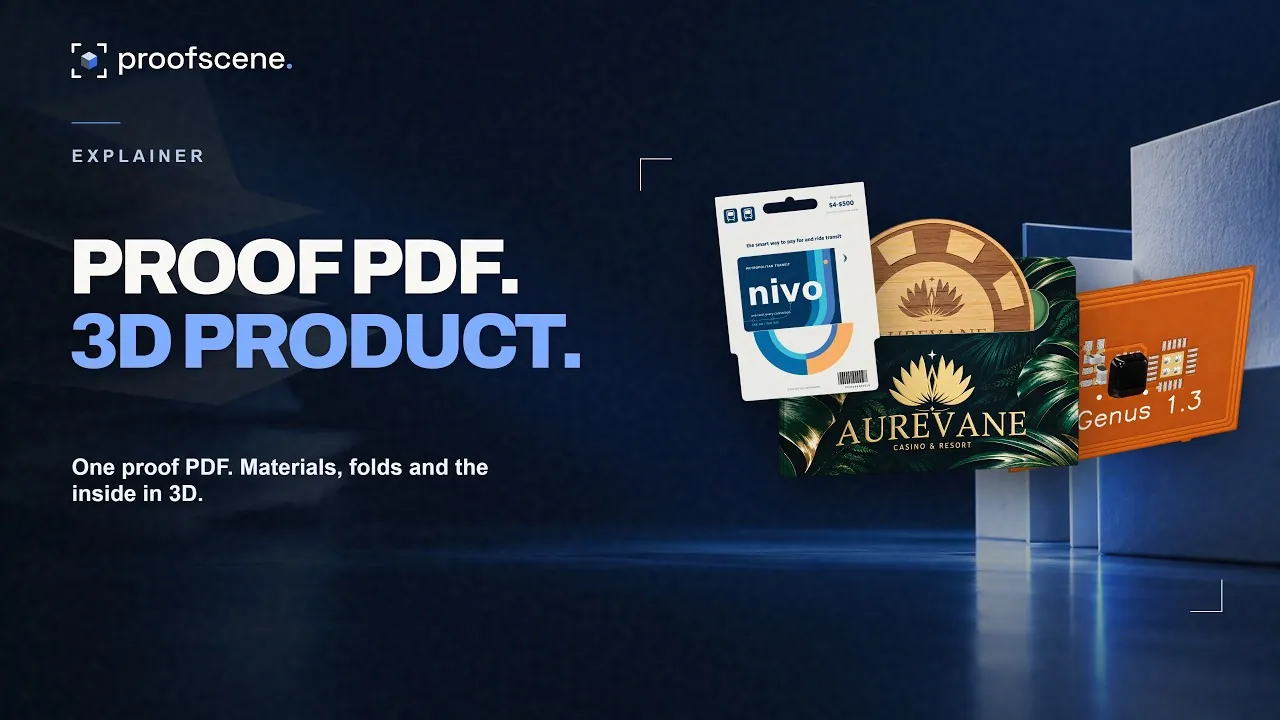
Two minutes of proof sheets for packaging, cards, wristbands, promotional products and electronics, each turned into the interactive 3D proof a customer opens from a link.
Six things a customer cannot judge from a flat page
These are the details that cause reprints when they are only imagined, and build trust when they are actually seen.
Real scale
How big the logo actually is on the finished item, next to a trim edge, a fold or a seam.
Construction
How panels relate once folded, where a flap covers artwork, and how a card sits inside its carrier.
Embellishment
Foil, raised UV and metallic inks as behavior under moving light rather than a hatched box on a plan.
Substrate
Gloss against matte lamination, PVC against wood veneer or paper stock, including the edge thickness of the material.
Both sides and the edge
The back, front and edge in one continuous view instead of separate rectangles on a sheet.
The small print
Barcodes, numbering and legal copy, sharp enough to read when zoomed.
Four inputs, all of which you already have
- Your proof-sheet PDF
- The production proof your prepress team already makes, with the artwork, die line and job specification on one sheet. No separate 3D file and no new format to learn.
- The job specification
- Size, stock, thickness and finishes: the fields already on your proof sheet, read straight from it.
- Engraving artwork for wood
- For wood cards, the vector artwork already inside the proof drives the engraving. You can also supply it as a separate file.
- Your job number
- Your reference, not ours. It becomes the URL, the filing key and the thing everyone searches for later.
No proof sheet yet? Start from a demo sheet or a blank template in the free Proof Kit.
Go deeper
Each step of the workflow in detail.
What you can do with Proofscene today
The whole workflow is live today. Create a free account, reserve your company address and upload a proof sheet: the 3D Proof Studio reads it, builds the product in 3D and publishes it on your branded link, with the proof kept in a searchable library.
The customer view opens in any modern browser, with an optional password. Your customer rotates, zooms and inspects the product, then gives you an answer with the product in front of them. You can see whether the link has been opened, mark it Approved, and rely on the link showing exactly the build they reviewed.
If your shop has a particular way of filing jobs, referencing revisions or handing work between an account manager and prepress, tell us. Teams can share one workspace, and we set it up around the way you already work.
How it works, answered
Short, straight answers to the questions we are asked most. If yours is not here, ask.
Ask us anythingHow does Proofscene work?
Four steps: upload a proof sheet made with our free template, Proofscene builds an interactive 3D model of the finished product with your artwork and finishes applied, you publish it on a branded link, and your customer rotates and inspects it in their browser. When they sign off, you mark the link Approved.
How long does it take to produce a 3D proof?
There is no modelling step. You upload the proof sheet you already made, Proofscene builds the 3D proof from it, and you check the result and publish. The time you add is the review, not the build.
Do I have to change my existing proofing process?
No. Keep producing your PDF proof sheet and keep sending it. Proofscene adds an interactive 3D version alongside it. The prepress record stays where it is; what changes is how much the customer understands before they answer.
Does my customer need an account or software?
No. They open a link in a browser on whatever device they have. Every login you put in front of a print buyer is a reason for the approval to stall another day.
Where do my proofs and links live?
In your Proofscene account. Each proof sits at its own branded link under your job reference, and every proof and link lives in one searchable library with grid and list views, so a job is found by its number instead of an inbox search.
What products can be proofed?
Cards in PVC, PET and wood with their finishes, chips and antennas, crystal and silicone keyfobs, SIM punch-out cards, card carriers, key-card sleeves, pouches, envelopes, folders and other paper packaging, lanyards, silicone and fabric wristbands, and any other product you print. Create a free account and upload one of your own proofs to see it in 3D.
What happens when artwork changes?
Build the revised proof and publish it as an update. A published link keeps showing exactly the build that was published until you publish an update, so you always know which version your customer reviewed.
How does the 3D proof work with color proofs?
It works beside them. The 3D proof shows the artwork on the finished product, with its materials and finishes, and your color sign-off stays exactly where it is.
See your next proof in 3D
Create a free account, upload a proof sheet and send your customer an interactive 3D proof on your own branded link today.
Free account · No credit card · Built by print people