Launch before you manufacture
Put the new logo on a mug, a box and a card the same afternoon, and share the pictures before a sample is ordered.
Drop your logo, pick a mug, a bottle, a box or a key card, and turn it in 3D. Choose the color, finish and angle, then download pictures, a film with music or a spinning GIF.
Drop a product photo or choose oneChoose a product photoDrop your logo or choose a fileChoose your logo
JPG, PNG or WebP. The background comes off right here in your browser.PNG, JPG or SVG. It goes on a real product, in 3D.
Or try one of ours
Pick a product
Drop the photo to open itDrop the logo to use it
Drop in your logo, choose the product, set the color and scene, and download: about two minutes, with every choice previewed free.
A PNG, JPG, WebP or SVG. No file at hand? Find the logo from any company website with the Logo Finder.
A mug, tumbler, can, bottle or box, or one of our key cards, tags, hangers, fobs and wristbands. Drag it around to see every side.
Set the body color and a finish, the logo size, and a scene: white, a dark or light studio, your brand color or a spotlight.
A picture for your deck or shop, a short film with music, or a spinning GIF, all with a free account.
Your logo is placed on a 3D model, lit by the same engine that shows factory proofs to print customers.
It follows the curve. On a mug, a bottle or a can the logo wraps around the surface and shrinks away at the edges exactly as printing would, and you can see it from every side.
It takes the right process. Printed in full color on PVC, engraved into wood so the grain shows through, or stamped in gold foil that flashes as it turns.
It catches real light. Gloss, satin, matte and metal finishes reflect a photo studio, with a soft shadow and a reflection on the floor.
It keeps your exact logo. Every letter and curve stays as your designer drew it. Nothing is redrawn or reimagined.
Put your logo on eleven products: everyday merch and the key cards, tags, fobs and wristbands Proofscene proofs for factories.
| Product | How your logo goes on | Suits |
|---|---|---|
| Mug | Your logo centered on the side, or your artwork wrapped all the way around | Cafes, gifts, staff and merch |
| Tumbler | Your logo centered on a tall tumbler, or your artwork wrapped around the body | Corporate gifts, events and fitness brands |
| Can | Your logo centered on the can, or your artwork wrapped around it | Drinks, craft brands and launches |
| Bottle | Your logo centered on a tall bottle, or your artwork wrapped around it | Water, wellness, beauty and beverage brands |
| Box | A tall, square or mailer-style box with the logo centered or the artwork wrapped over every face | Packaging, subscriptions and shipping (more) |
| Wood key card | Your logo engraved into real wood, with the grain showing through | Hotels, resorts and premium access |
| PVC key card | Your logo printed in full color, or in gold, silver or rainbow foil | Hotels, offices, memberships and events (more) |
| Wood key tag, door hanger, key fob and wristband | Your logo engraved, printed or foil-stamped, on the shape each is made in | Hospitality, events and gifts |
Want the logo in 3D on its own? The 3D logo maker turns it into gold, chrome or glass.
Logo mockups work in launches, brand reveals, client decks, merch shops and short films: anywhere you want to show a logo on something real before it is made.
Put the new logo on a mug, a box and a card the same afternoon, and share the pictures before a sample is ordered.
A mug, a can and a key card on one color background make a brand-identity post that looks like a studio shoot.
Show a client their logo on real products from every angle, in one consistent studio, in a deck or a link.
Product listings that show the logo on the actual mug or bottle, on pure white or a lifestyle scene.
The same product turns in a film of 6 to 15 seconds with music, ready for Reels, TikTok and your site.
See the wood key card, the wristband and the door hanger with your logo before the order goes in.
Every product, color, finish and angle previews free, with no account and no time limit.
When the mockup looks right, a free account downloads it: five product photos and three videos every month.
Paid plans start with Creator at $15 a month, with 100 product photos and 20 videos a month, all under your own brand with no Proofscene badge. Every plan is on the pricing page.
Signing in brings you straight back to the studio with your logo and your choices as you left them.
Writing about branding or merch? Send your readers here to see their own logo on a real product.
Copy the link below, or cite it as: Proofscene, “Free logo mockup generator”, proofscene.com, 2026.
<a href="https://proofscene.com/tools/logo-mockup-generator/">Free logo mockup generator</a>Straight answers about putting a logo on a product in 3D: products, finishes, files and price.
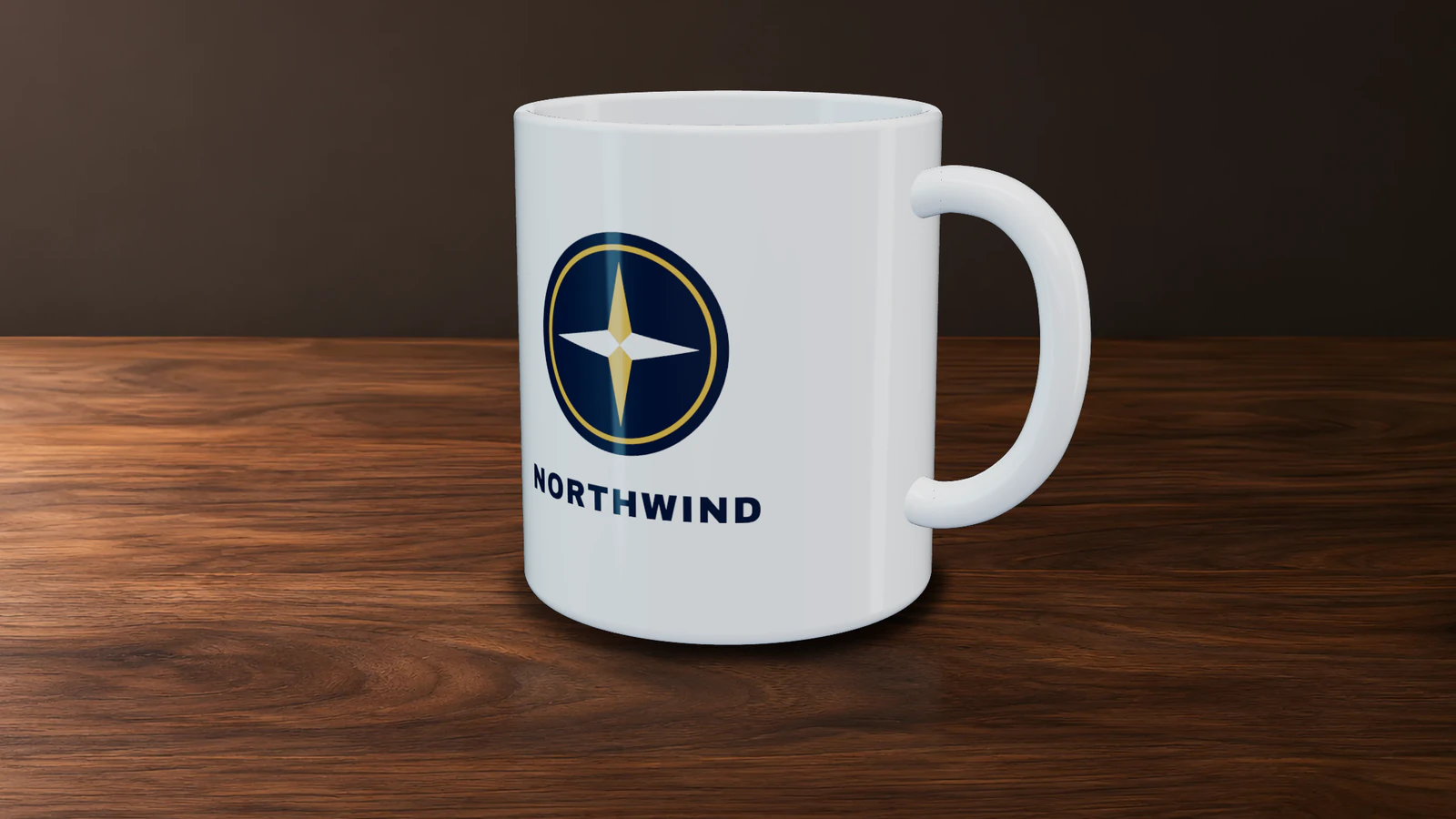
Ask us anythingDrop your logo on the Proofscene logo mockup generator and choose the mug. The logo appears centered on the side, or wrapped all the way around, and you turn the mug with your finger or mouse. A free account downloads five product photos and three videos every month.
Stock products: mug, tumbler, can, bottle and box. Proofscene products: wood key card, PVC key card, wood key tag, wood door hanger, PVC key fob and silicone wristband. Each is built in 3D, so it can be photographed from seven angles.
Real 3D. The logo is placed on a 3D model of the product, which the Proofscene engine lights with reflections, a shadow and a floor, so it looks right from every side, not just the front.
Yes. Pick any body color and the finish that suits the product: gloss, satin, matte or metal. On key cards, key tags, door hangers and fobs, choose how the logo goes on: printed in full color, engraved into wood, or stamped in gold or silver foil.
A PNG with a transparent background or an SVG gives the cleanest result. A JPG or a PNG on a plain background works too. No file at hand? The Logo Finder brings in the logo from any company website.
Yes. Choose the Transparent scene and download a PNG, or choose from 17 scenes such as pure white, studio dark, your brand color, a spotlight and real marble or oak, in PNG, JPG and WebP.
Yes. Each product turns a full 360 degrees in a short film with music, in 9:16, 4:5, 1:1 and 16:9. Or download a seamless spinning GIF.
Five shapes: square at 2048 × 2048 px, plus portrait, story, wide and classic, and the largest option makes any of them 4096 px on its long side.
Yes. Make the picture or the film, send it, and open it in your account to change the logo size, product color or finish with them on the call.
No. It all happens in your browser. Previews are free with no account, a free account downloads five product photos and three videos every month, and paid plans from Creator at $15 a month put your own brand on every picture and film.
How useful was this tool?
Proofscene turns the proof sheet for a card, a key fob or packaging into an interactive 3D proof your customer turns in their hands, sent on your own branded link. Start free today.
Free account · No credit card · Built by print people