Shop and marketplace listings
A clean white-background photo, square at the size shops ask for, makes every listing look studio-shot.
Drop a photo of your product, or put your logo on a mug, a box or a card. It stands in a studio scene with a soft shadow and a reflection, ready to download for your shop, your feed or your deck.
Drop a product photo or choose oneChoose a product photoDrop your logo or choose a fileChoose your logo
JPG, PNG or WebP. The background comes off right here in your browser.PNG, JPG or SVG. It goes on a real product, in 3D.
Or try one of ours
Pick a product
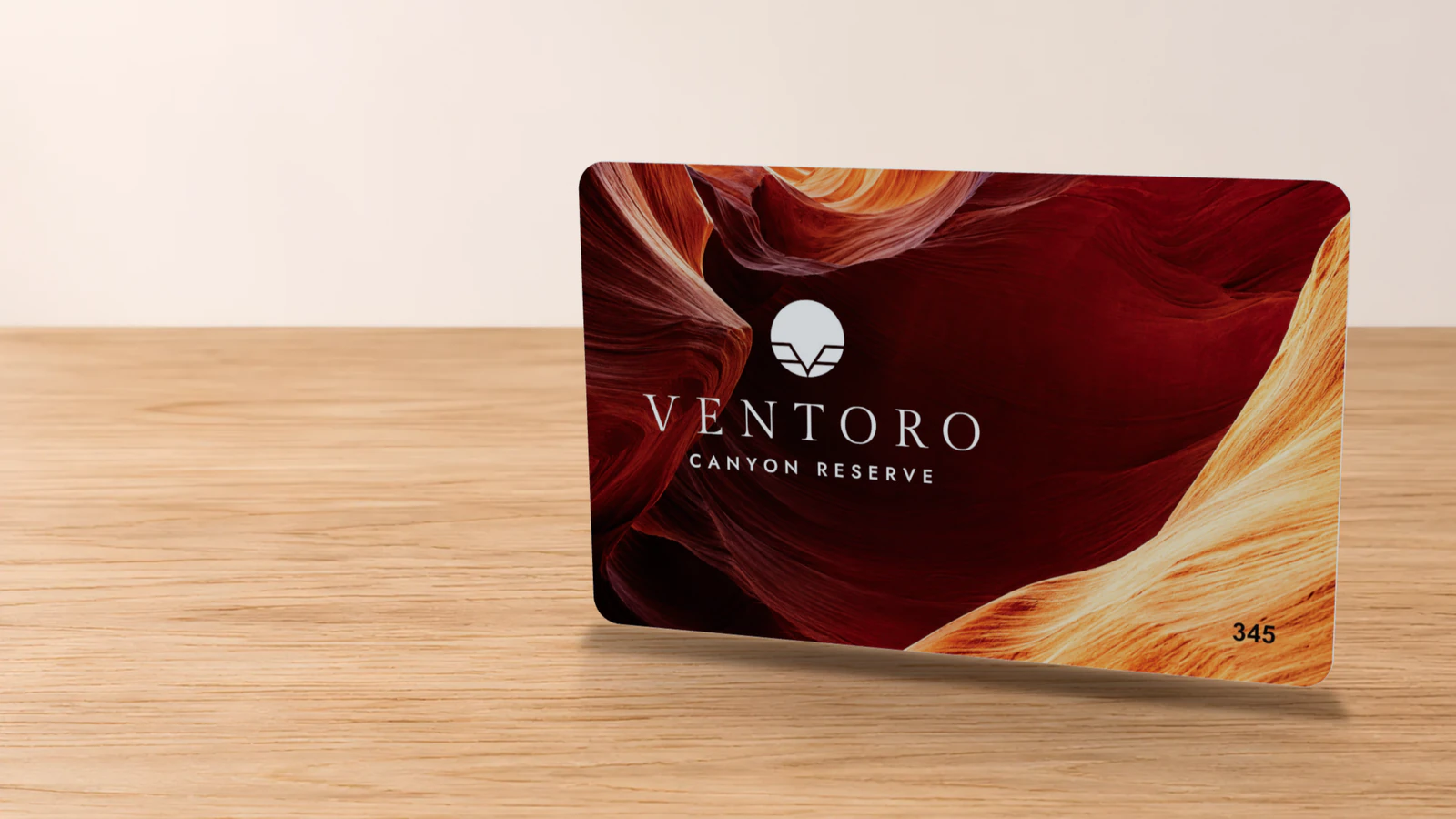
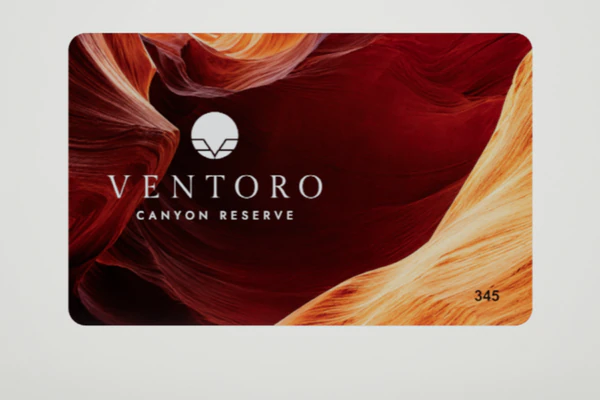 BeforeAfter
Drop the photo to open itDrop the logo to use it
Drop in your product, choose a scene, choose a shape and download: about two minutes, with nothing to install and every choice previewed free.
Add a JPG, PNG or WebP photo at the top of this page, or open one of our samples. The background comes off in seconds and the product stands on a studio floor.
White for marketplaces, a studio in dark or light, your brand color, a spotlight, or one of ten real surfaces such as white marble, light oak and linen. The shadow and reflection follow the product.
Square for shops, portrait for Instagram, story for Reels and TikTok, wide for websites, classic for catalogs. Save it as PNG, JPG or WebP.
A free account downloads your photo and brings you straight back to the same shot, with the same choices, ready for the next size.
Every photo is cut out, grounded and lit by the same studio that photographs Proofscene’s 3D proofs, so it looks shot, not pasted.
Cut out cleanly. The product is separated from its background right in your browser, and its edges are softened so they sit naturally on any scene, with no cut-out fringe.
Grounded in the scene. A soft contact shadow sits right under the product and a gentle reflection fades into the floor, so it feels placed on a surface instead of pasted on.
Lit to match. The product takes on the scene’s light, warm on a wood table, cool on a bright studio, with a touch of color matching so photos from different phones sit together in one range.
One look for the whole range. Choose a scene once and every product you shoot wears it. In a Proofscene account you save it as your house style and the whole team shoots in the same look.
Choose from 17 scenes: white for the listing, dark for the launch, your brand color for the feed and real surfaces for lifestyle shots. Switch scenes while the product stays put and keep the one that sells.
| Scene | What you see | Suits |
|---|---|---|
| Studio dark | A deep studio with a glossy floor that mirrors the product and a soft shadow under it | Launch posts, premium products, cinematic videos |
| Studio light | A bright studio with the same mirror floor and a gentle contact shadow | Websites, catalogs, slides and clean brand posts |
| White | Pure white with a soft shadow, the look marketplaces ask for | Amazon, Etsy, Shopify and every shop listing |
| Your brand color | A seamless studio in your brand color, with floor reflection and shadow | Social posts that look on brand at a glance |
| Any color | A seamless studio sweep in any color you pick | Seasonal campaigns, product families, color-matched ads |
| Spotlight | A dark stage with a pool of light on the floor under the product | Hero images, launch teasers, event screens |
| Transparent | The product alone on a clear background, ready to place on any design | Layouts, slides, banners and your own designer |
| Ten real surfaces | Photographed white marble, light oak, linen, terrazzo, concrete, sage paper, pastel podium, stone podium, walnut desk and black slate, each lit from the front left like the studio, so the product sits in it naturally | Lifestyle shots that feel like a styled table, a desk or a shelf |
A 3D proof, a logo on a product or a flat product turned in 3D is photographed from seven set angles, or from your own: drag the preview to turn it.
| Angle | The shot |
|---|---|
| Hero | The classic three-quarter view, a little above, that sells a product |
| Front | Straight on, the clear, honest view for catalogs and listings |
| Back | The other side, for products with two printed faces |
| Side | Turned to show the edge and the thickness |
| Low angle | Looking slightly up, so the product feels tall and important |
| From above | Looking down from above, for flat-lay layouts |
| Dynamic | Tilted and turned for energy, the ad-style angle |
Lighting follows the scene on its own: dark stages and light stages each get the studio or bright light that suits them, the same two lights the Proofscene 3D engine uses.
Every photo comes in five shapes and three file types, framed with room for its shadow so the product sits perfectly in the picture.
| Shape | Ratio | Size | Best for |
|---|---|---|---|
| Square | 1:1 | 2048 × 2048 px | Shops and marketplaces |
| Portrait | 4:5 | 2048 × 2560 px | Instagram and Facebook |
| Story | 9:16 | 1440 × 2560 px | Stories, Reels and TikTok |
| Wide | 16:9 | 2560 × 1440 px | Websites and slides |
| Classic | 3:2 | 2400 × 1600 px | Catalogs and quotes |
Need it bigger? The largest option makes the same shape up to 4096 px on its long side.
| File | What it is | Best for |
|---|---|---|
| PNG | Sharp and lossless, with a transparent background whenever you want one | Layouts, slides, print and anything with a cut-out |
| JPG | Small, sharp and accepted everywhere | Marketplaces, websites and email |
| WebP | Light on the page, with transparency when you want it | Fast-loading shop and website images |
Start from a product photo, your logo, a 3D proof or one of our samples: whatever you have today, the studio takes it from there.
A product photo. Drop a JPG, PNG or WebP. The background comes off in seconds, the product is lit into the scene with a soft shadow and a floor reflection, and cards, signs, coasters and other flat products turn in 3D from that one photo.
Your logo on a product. Drop your logo and choose a mug, tumbler, can, bottle, box, key card, wood card, key fob or wristband. It is built in 3D with the logo printed, engraved or foil-stamped, then photographed from any angle.
A 3D proof you already made. In your Proofscene account every 3D proof opens in the studio in one click, with its real artwork, materials and finishes, ready to shoot from any angle.
One of our samples. Open a sample key card, wood card, card carrier, key fob, wristband or wallet and watch the whole studio at work in seconds, then bring in your own product.
Studio product photos work in shop listings, social feeds, catalogs, decks, emails and ads: anywhere a plain photo sits today, a studio shot gets noticed first.
A clean white-background photo, square at the size shops ask for, makes every listing look studio-shot.
Portrait and story shapes in your brand color or on a dark spotlight turn a feed of phone photos into a feed that matches.
Wide and classic shapes in one look across the whole range, so a catalog page reads as one confident collection.
A transparent PNG of the exact product drops onto any slide, and a customer sees their own product in the quote.
A bright studio shot or a bold color scene gives a campaign its hero image the same afternoon the product is ready.
Put your logo on a mug, tumbler, can, bottle or box in 3D and show the product before anything is manufactured.
Need white only? The white background product photo page does it in one step. Want it moving? Try the product video maker or the 360 product spin maker.
Every scene, angle, size and file type previews free, with no account and no time limit.
When the photo looks right, a free account downloads it: five product photos and three videos every month.
Paid plans start with Creator at $15 a month, with 100 product photos and 20 videos a month, all under your own brand with no Proofscene badge. Every plan is on the pricing page.
Signing in brings you straight back to the studio with your product and your choices as you left them.
Writing about selling online or about design? Send your readers here to photograph their own product.
Copy the link below, or cite it as: Proofscene, “Free product photo generator”, proofscene.com, 2026.
<a href="https://proofscene.com/tools/product-photo-generator/">Free product photo generator</a>Straight answers about studio product photos: scenes, sizes, files, logos and price.
Ask us anythingDrop a photo of your product on the Proofscene product photo generator. The background comes off and the product stands in a studio scene with a soft shadow and a reflection. Pick a scene, a shape and a file type: the preview updates live, free and with no account, and a free account downloads five product photos and three videos every month.
Yes. Any clear photo of a product works, taken on a phone, on a table or on a shelf. The generator cuts the product out, matches its light to the scene and places it on white, a color, a spotlight or a real surface such as marble or oak.
No. The studio lights, floor, shadow and reflection are built into the tool, and every picture you take uses the same ones, so a whole range looks like one shoot.
Five shapes: square (1:1, 2048 × 2048 px) for shops and marketplaces; portrait (4:5, 2048 × 2560 px) for Instagram and Facebook; story (9:16, 1440 × 2560 px) for Stories, Reels and TikTok; wide (16:9, 2560 × 1440 px) for websites and slides; classic (3:2, 2400 × 1600 px) for catalogs and quotes. The largest option makes any shape 4096 px on its long side for large prints and banners.
PNG, JPG and WebP. PNG keeps a transparent background for layouts and slides, JPG is small and universal for shops and email, and WebP loads fast on websites.
Yes. Choose the Transparent scene and download a PNG: the product alone, ready to drop onto any slide, banner or layout.
Yes. Every 3D proof in your account opens in the studio in one click, so the same job you proofed becomes a product photo from seven angles: hero, front, back, side, low angle, from above and dynamic.
Yes. Drop your logo and pick a mug, tumbler, can, bottle, box, key card, wood card, key fob or wristband. The logo goes onto the real 3D product, ready to photograph in the studio. The logo mockup generator opens straight on this.
Yes. In your Proofscene account, select several products, choose the angles and sizes once, and download one ZIP with a folder per product. Save a house style and the whole team shoots in the same look.
Yes. The same scene becomes a short product video with music: the product video maker makes 9:16, 4:5, 1:1 and 16:9 films.
Previews cost nothing and need no account. A free account downloads five product photos and three videos every month. Paid plans start with Creator at $15 a month, with 100 product photos and 20 videos a month, and take the Proofscene badge off every picture.
How useful was this tool?
Proofscene turns the proof you already have into photos from every angle, in your own house style, and an interactive 3D link your customer turns in their hands. Start free today.
Free account · No credit card · Built by print people