How to make a 3D logo
To make a 3D logo, give your flat logo depth, rounded edges, a material and light. The quickest way is a free online 3D logo maker: drop in the logo, and in seconds it stands in 3D, turning in a lit studio, ready to download as an image, a video or a 3D file. Designers can also build a 3D logo in Illustrator’s 3D and Materials panel or model one in Blender. This guide covers all three, plus Canva, and the files each way gives you. Sources were checked on November 5, 2026.
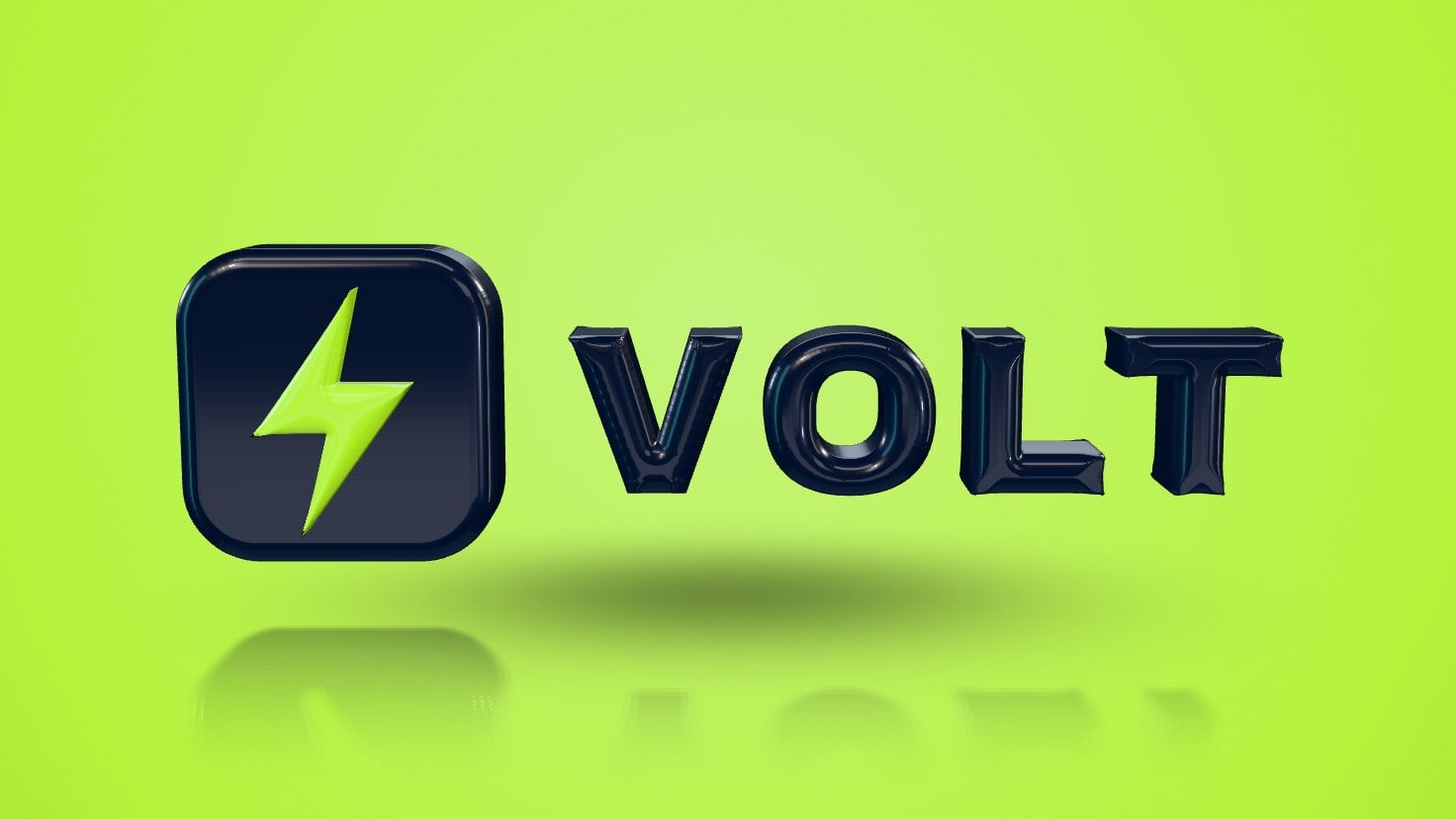
See your own logo in 3D. The free 3D logo maker builds it from your file in seconds, in gold, chrome, glass or nine finishes in all, and every option previews free.
Make your logo 3DWhat makes a logo look 3D?
A logo looks 3D when it has depth, edges that catch the light, a material and a place to stand. A flat logo has none of them; a 3D logo has all four, and moving it shows them off.
- Depth. The shapes are pushed back into a solid, so the logo has sides as well as a face.
- Rounded edges. A bevel or a rounded edge is where highlights live. Sharp edges look machined, soft ones look molded, and puffy ones look inflated.
- Material. Gloss, satin and matte decide how much the surface reflects; gold, silver and chrome reflect the whole room; glass lets light through.
- Light, shadow and reflection. A key light, a fill and the reflections of a studio give the surface shape, and a shadow or a mirror floor sets the logo in a space.
- Movement. A slow turn reveals the sides and makes the highlights slide, which is why 3D logos are so often shown spinning.
How do you make a 3D logo online for free?
You make a 3D logo online for free with the Proofscene 3D logo maker: drop in your logo, choose a finish and a background, and download. It takes about two minutes, runs in your browser and needs no design software.
- Drop in your logo. A PNG, JPG, WebP or SVG file works. No file? Type the company website and the Logo Finder brings in its logo, or type a name or a word to make 3D text.
- Choose a finish and a background. Gloss, Satin, Matte, Metallic, Gold, Silver, Chrome, Rose gold and Glass, on a dark, light or brand-color background, or none at all for a transparent picture.
- Shape it. Keep the logo’s own colors or turn it white, black or any color, and choose crisp, soft, round or puffy edges and thin, standard or thick depth.
- Turn it and animate it. Drag the logo to see every side, then pick one of eight animations, from a spin reveal to a slam, with music written for each.
- Download. A PNG up to 2560 px, an MP4 in 9:16, 4:5, 1:1 or 16:9, a GIF 640 px wide, or the model as STL, 3MF, OBJ, GLB and USDZ.
The studio builds a real 3D model from the shapes in your file, so every letter and color stays exactly where your designer put it. A color drawn on top of another, like a dot on an i, stands raised on its host with its own rounded edge. Making and previewing are free with no account; a free account downloads three videos, five images and three 3D files every month, and paid plans start with Creator at $15 a month, with 20 videos, 100 images and twenty 3D files a month and videos that end on your own brand (pricing).
A logo that only exists as a PNG or JPG traces into 3D directly. For a crisp vector to keep as well, run it through the PNG to SVG converter or vectorize the logo first.
How do you make a 3D logo in Illustrator?
You make a 3D logo in Adobe Illustrator with the 3D and Materials panel: select the logo, open Window > 3D and Materials, and choose a 3D type. Adobe’s panel reference lists four: Plane, Extrude, Revolve and Inflate. Extrude “stretches the object to add depth”, which is the classic 3D logo, and Inflate “puffs up the object for a balloon-like effect”.
- Select the logo and apply Extrude, then set the depth.
- Turn on Bevel to round or shape the edges: Adobe’s options include the bevel’s shape, width and height.
- Open Materials and pick a finish; the library includes Adobe Substance materials.
- Set the Lighting: presets, or your own lights, up to ten of them, as Adobe’s 3D artwork guide notes.
- Switch to Render with Ray Tracing for realistic shadows, then export the artwork as usual.
Adobe’s 3D export guide adds that the 3D object itself can be exported as GLTF, USDA, USDZ or OBJ. The result lives in your Illustrator file, which suits designers who already work there.
How do you make a 3D logo in Blender?
You make a 3D logo in Blender by importing the logo as an SVG and giving its curves depth. Blender’s manual puts the importer at File > Import > Scalable Vector Graphics (.svg), and it brings the logo’s paths in as curves.
- Import the SVG and scale it to a comfortable working size.
- Select the curves and open their Geometry properties. Extrude gives the logo depth along both directions of its local Z axis, and Bevel with a depth rounds the edges.
- Add a material, a few lights and a camera, then render a still or an animation.
Blender gives full control of the scene, the lights and the camera, which makes it the choice for a bespoke brand film. When you need the logo in 3D today, the 3D logo maker does the same steps for you and adds the music, the end card and the print files.
Can you make a 3D logo in Canva?
Canva brings 3D into a design through its 3D elements: ready-made objects from Canva’s library, found under Elements, as Canva Help describes, and exported as images with the design. To put your own logo in 3D into a Canva post or presentation, make it in the 3D logo maker, download the transparent PNG or the MP4, and upload it to Canva like any other picture or video.
Which way gives you which files?
Each way of making a 3D logo ends in different files, and the files decide where the logo can go next: a picture for slides, a video for social media, a model for 3D viewers and AR, or a print file for a 3D printer.
| Way | What you get | Files |
|---|---|---|
| 3D logo maker, online | Your logo built as a smooth 3D model with rounded edges, in a lit studio, playing one of eight animations | PNG up to 2560 px, MP4 in 9:16, 4:5, 1:1 or 16:9, GIF, STL, 3MF, OBJ, GLB and USDZ |
| Illustrator, 3D and Materials | Vector artwork extruded, revolved or inflated, with bevels, materials and lights inside your Illustrator file | The artwork in your usual Illustrator exports, plus the 3D object as GLTF, USDA, USDZ or OBJ |
| Blender | A full 3D scene you model, light and render yourself, from an SVG of the logo | Rendered images and animations, and the model in Blender’s 3D formats |
| Canva | Ready-made 3D elements from Canva’s library placed beside your design | Canva designs, with 3D elements exported as images |
The two 3D model formats travel furthest. GLB is the single-file, binary form of glTF, the format Khronos maintains for 3D on the web, and Google’s Scene Viewer opens glTF and GLB in AR on Android. USDZ is the format Apple’s AR Quick Look shows in 3D and AR on iPhone and iPad.
Which finish and background suit your brand?
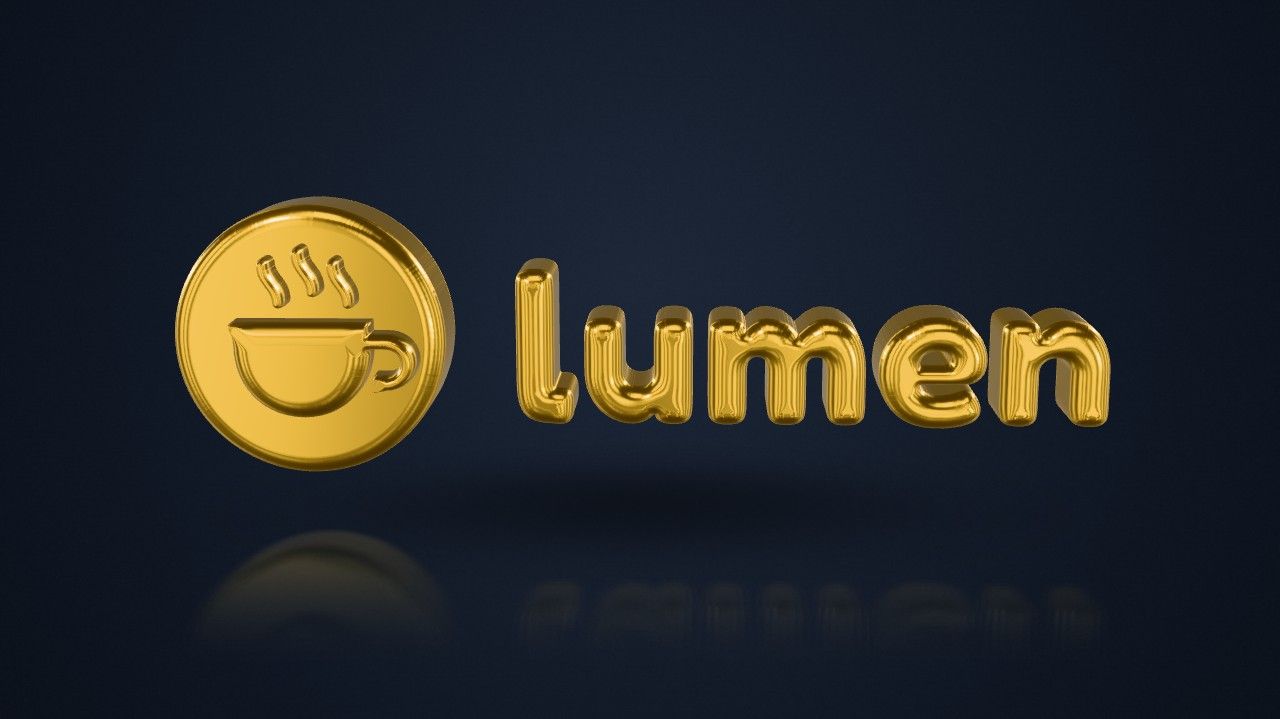
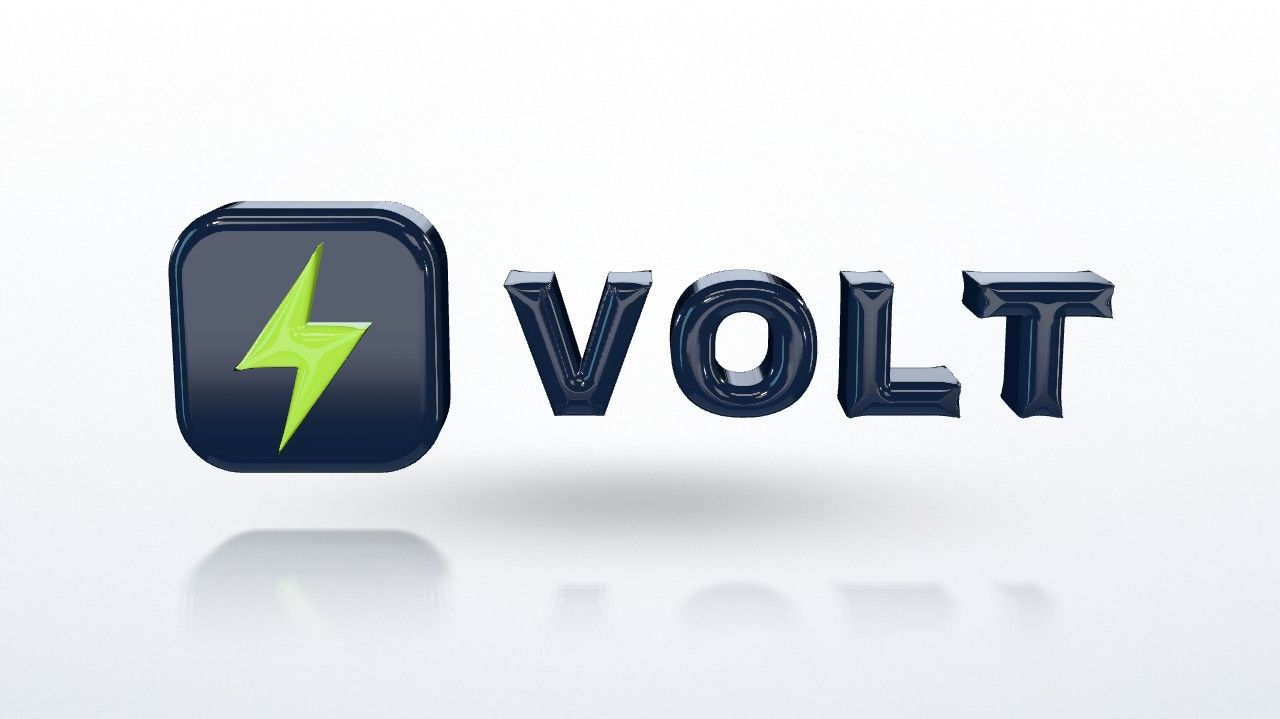
Match the finish to how the brand wants to feel, and the background to where the logo will appear. These pairings are a starting point; in the 3D logo maker every combination previews free, so try a few on your own logo.
| Brand | Finish | Background | Animation |
|---|---|---|---|
| Luxury, hotels and jewelry | Gold or Rose gold | Dark | Spotlight or Float |
| Tech, software and startups | Glass or Satin | Light | Assemble or Loop |
| Sports, gaming and energy | Metallic or Chrome | Dark | Slam or Spin reveal |
| Food, retail and kids | Gloss in the original colors, Puffy edges | Brand color | Bounce or Coin flip |
| Finance, law and consulting | Satin or Silver | Light | Float or Loop |
| Beauty, fashion and weddings | Rose gold or Matte | Light | Spotlight or Float |
A dark background makes metals and glass glow and suits Reels and TikTok; a light background reads as clean and corporate on LinkedIn and on product pages; a brand-color background makes a post look on brand at a glance. Choose no background for a transparent PNG you place on slides or a website yourself.

How do you turn a name or a word into a 3D logo?
Type it. On the 3D logo maker, enter a name or a word and press Make it 3D: it is set in a heavy typeface and becomes a 3D logo with every finish, animation and download. It is the quick way to 3D text for a channel name, a team name, a launch word or a name keychain, printed from the STL or the multi-color 3MF.
What can you do with a 3D logo next?
Put it in motion, print it or place it in the room.
- Animate it. The logo animation maker exports eight animations with music for Reels, TikTok, Shorts and YouTube, the logo intro maker builds a reveal for the start of your videos, and the spinning logo GIF maker makes a seamless loop. The sizes each platform wants are in how to animate a logo.
- 3D print it. Download an STL or a multi-color 3MF from the logo to STL tool, or start from an SVG or a PNG. How to 3D print a logo covers sizes, colors and slicers.
- Show it in 3D. Put the GLB on a website with a web viewer such as model-viewer, which also opens AR, and send the USDZ to anyone with an iPhone to place it on their desk.
- Make it the site’s icon. Turn the flat logo into a favicon and app icons with the PNG to ICO converter.
3D logos, answered
Short answers about making a logo 3D: online, in Illustrator, in Blender and in Canva, and the files you get.
Ask us anythingHow do I make my logo 3D?
Drop your logo into a 3D logo maker. The free Proofscene 3D logo maker takes a PNG, JPG, WebP or SVG file, or finds the logo on your website, and turns it into a smooth 3D logo in seconds. Choose a finish and a background, drag it to turn it, and download an image, a video or a 3D file.
How do I make a 3D logo for free?
Use the free 3D logo maker: making and previewing need no account, and a free account downloads three videos, five images and three 3D files every month. Paid plans start with Creator at $15 a month, with many more downloads and videos that end on your own brand.
Can I make a 3D logo in Canva?
Canva’s 3D elements are ready-made objects from its library. To use your own logo in 3D in a Canva design, make it in the 3D logo maker, download the transparent PNG or the MP4, and upload it to Canva like any other image or video.
How do I make a 3D logo in Illustrator?
Select the logo, open Window > 3D and Materials, and choose Extrude to give it depth. Add a bevel to round the edges, pick a material, set the lighting and switch on Render with Ray Tracing for realistic shadows. Adobe’s help pages also cover exporting the 3D object as GLTF, USDA, USDZ or OBJ.
How do I make a 3D logo in Blender?
Import an SVG of the logo with File > Import > Scalable Vector Graphics (.svg). Select the curves, set Extrude in the curve’s Geometry properties to give depth and Bevel Depth to round the edges, then add a material, lights and a camera and render.
What file format is a 3D logo?
It depends on where the logo is going: PNG for images and slides, MP4 or GIF for video and chat, GLB or USDZ for 3D viewers and AR, and STL or 3MF for 3D printing. The 3D logo maker downloads all of them from the same model.
Can I turn my name or a word into 3D text?
Yes. On the 3D logo maker, type a name or a word and press Make it 3D. It is set in a heavy typeface and becomes a 3D logo with every finish, animation and download, including STL and 3MF for name keychains.
What makes a 3D logo look realistic?
Light. Rounded edges catch highlights, a material decides how the light reflects, and a floor shadow or reflection grounds the logo in a space. The studio lights the logo the way a photo studio would, and keeps the light moving with you as you turn it.
Can I use my 3D logo on a website or in AR?
Yes. Download the GLB for 3D viewers on the web and AR on Android, and the USDZ for AR on iPhone and iPad, where Apple’s Quick Look places it in the room. For a page header, a looping MP4 or a transparent PNG is the lightest option.
Can I 3D print my 3D logo?
Yes. The same studio downloads an STL, or a 3MF with each color as its own part, at the width you pick in millimeters. The step-by-step is in how to 3D print a logo.